For most small business owners, a professional website feels like it should cost thousands of dollars. The reality is that the cost of building a credible online presence has dropped significantly in recent years, and there are now several legitimate paths to get a high-quality site without a large upfront investment.
The challenge is knowing which approach actually delivers results and which ones leave you with a site that looks cheap, loads slowly, or fails to convert visitors into customers.
This article breaks down seven proven strategies for getting a professional website at the lowest possible cost. Each approach is evaluated not just on price, but on what it actually produces: a site that ranks in search, builds trust, and turns traffic into leads.
Whether you are starting from scratch or looking to replace a site that is not performing, these strategies will help you make a smart, informed decision. The goal is not just to save money upfront. It is to invest wisely so your website becomes a long-term asset rather than an ongoing expense.
1. Use a Website Builder with a Business-Ready Template
The Challenge It Solves
Most small business owners do not have coding experience, and hiring a developer for a fully custom build is often out of reach early on. The risk with DIY tools is ending up with something that looks generic or amateurish. Choosing the right platform and the right starting template eliminates most of that risk.
The Strategy Explained
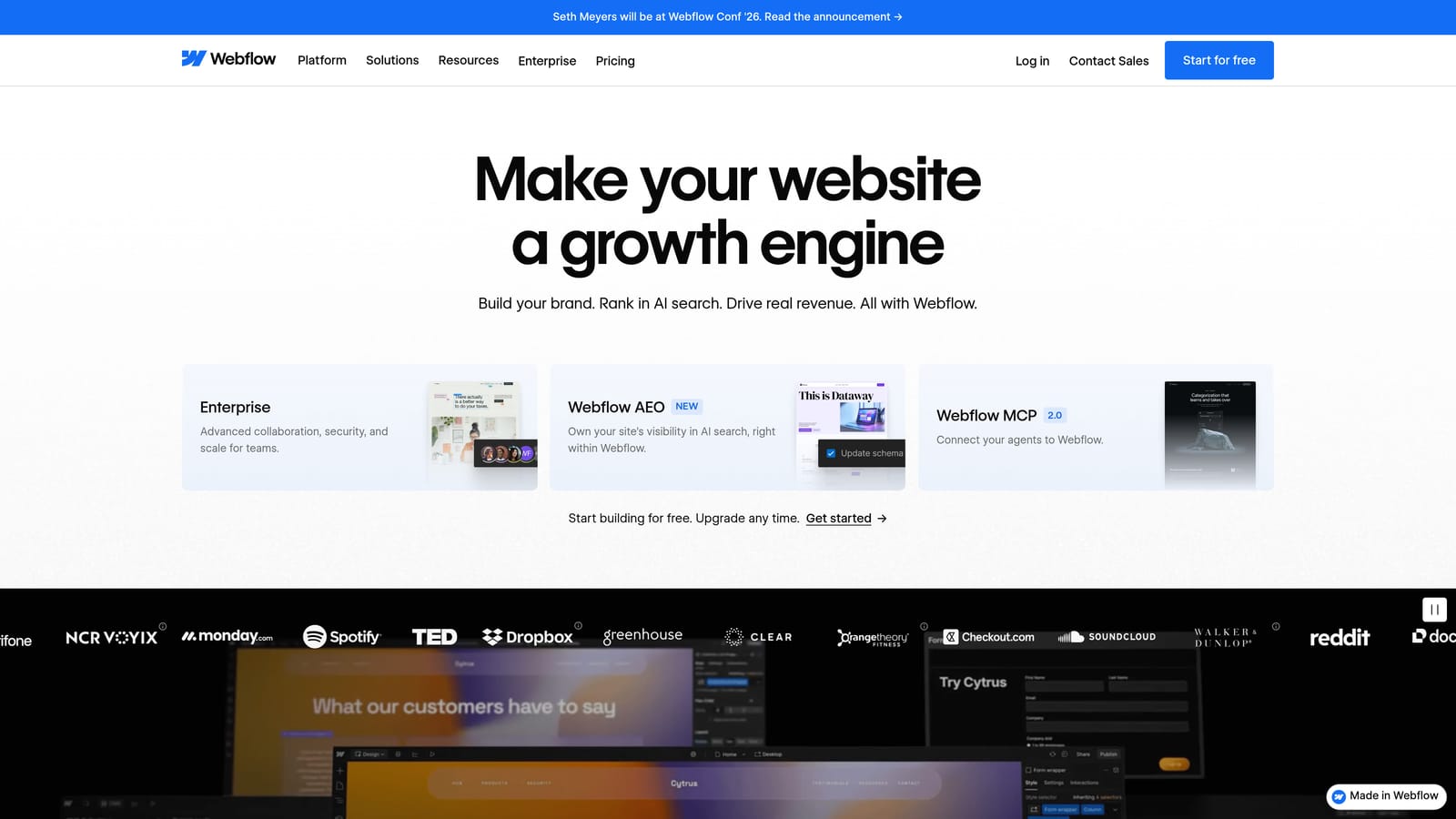
Drag-and-drop platforms like Wix, Squarespace, and Webflow allow you to launch a professional-looking site quickly and affordably. These tools have matured significantly, and many of their templates are designed with real business goals in mind, not just visual appeal.
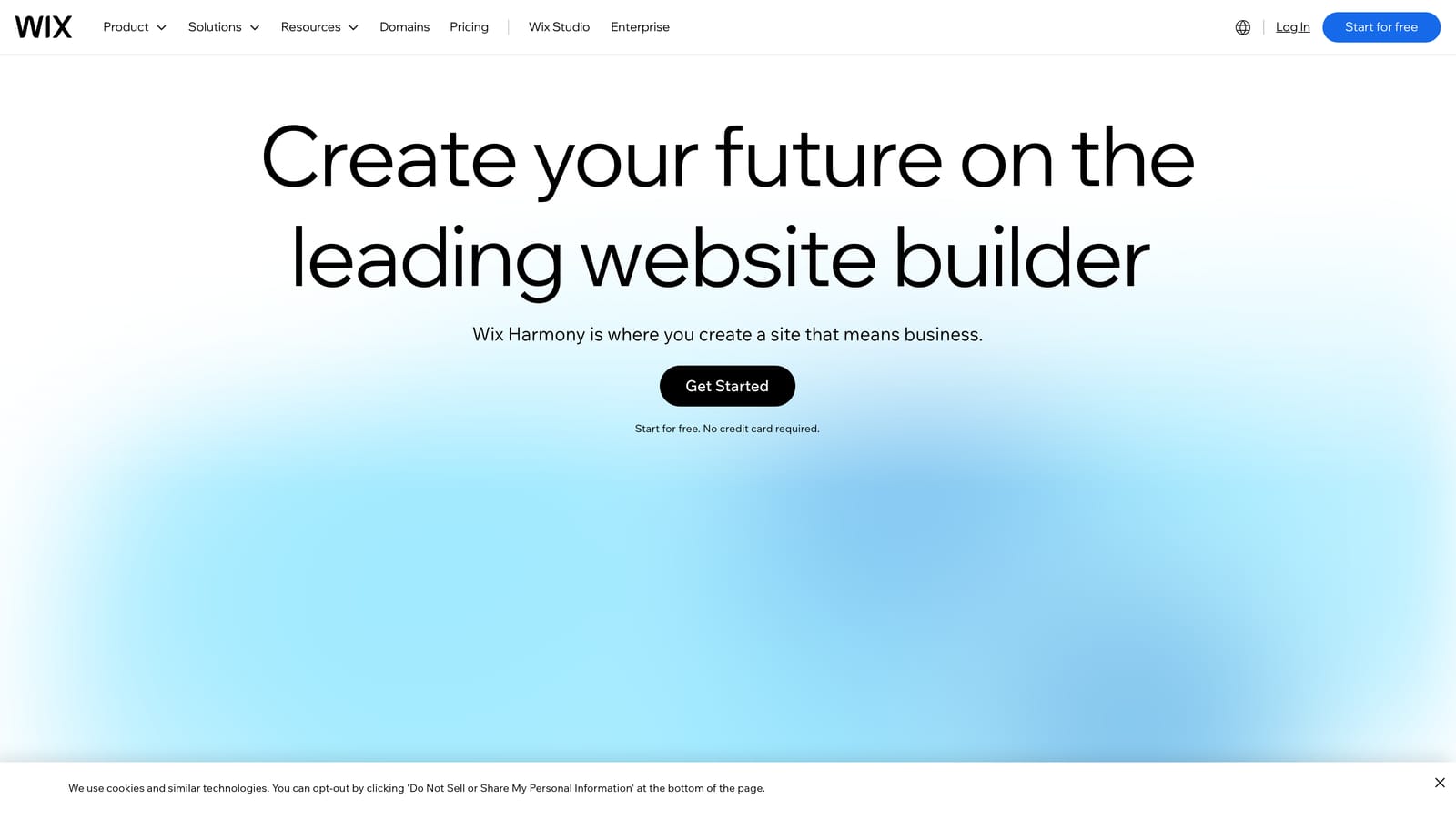
The key is selecting a template built for conversion. That means clear calls-to-action, logical page structure, and layouts that guide visitors toward taking the next step. You also want to confirm the template is fully mobile-responsive and loads quickly, since both factors influence how Google ranks your site.
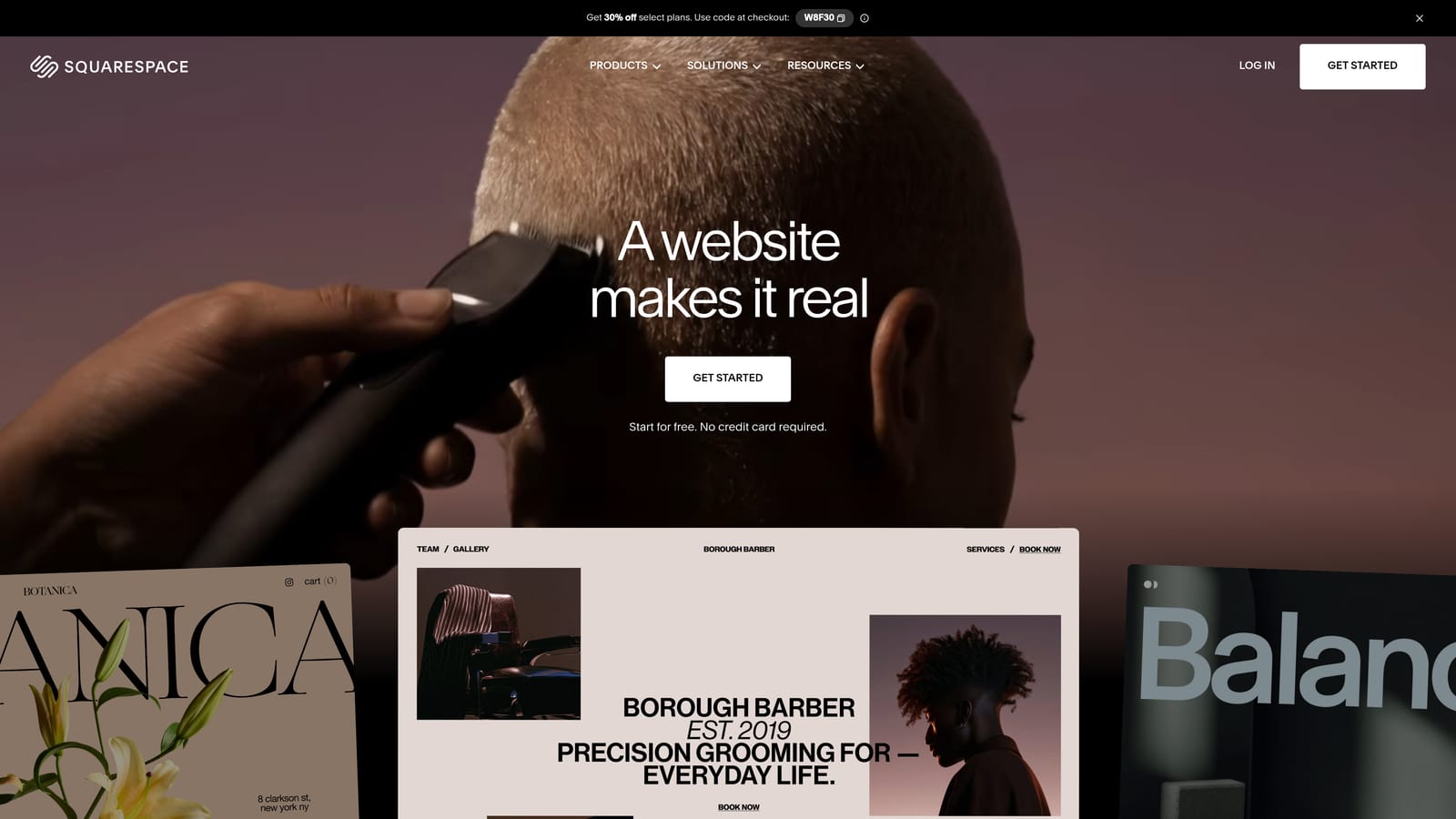
Webflow in particular offers more design flexibility and cleaner code output than most drag-and-drop builders, making it a strong choice if you want more control without hiring a developer. Squarespace tends to suit service businesses and creatives who want polished aesthetics out of the box.
Implementation Steps
1. Choose a platform based on your priorities: Wix for ease of use, Squarespace for design quality, or Webflow for flexibility and SEO control.
2. Filter templates by your industry and select one with a clear header, service sections, a contact or booking area, and a simple navigation structure.
3. Replace all placeholder content with your actual brand messaging, service descriptions, and location details before publishing.
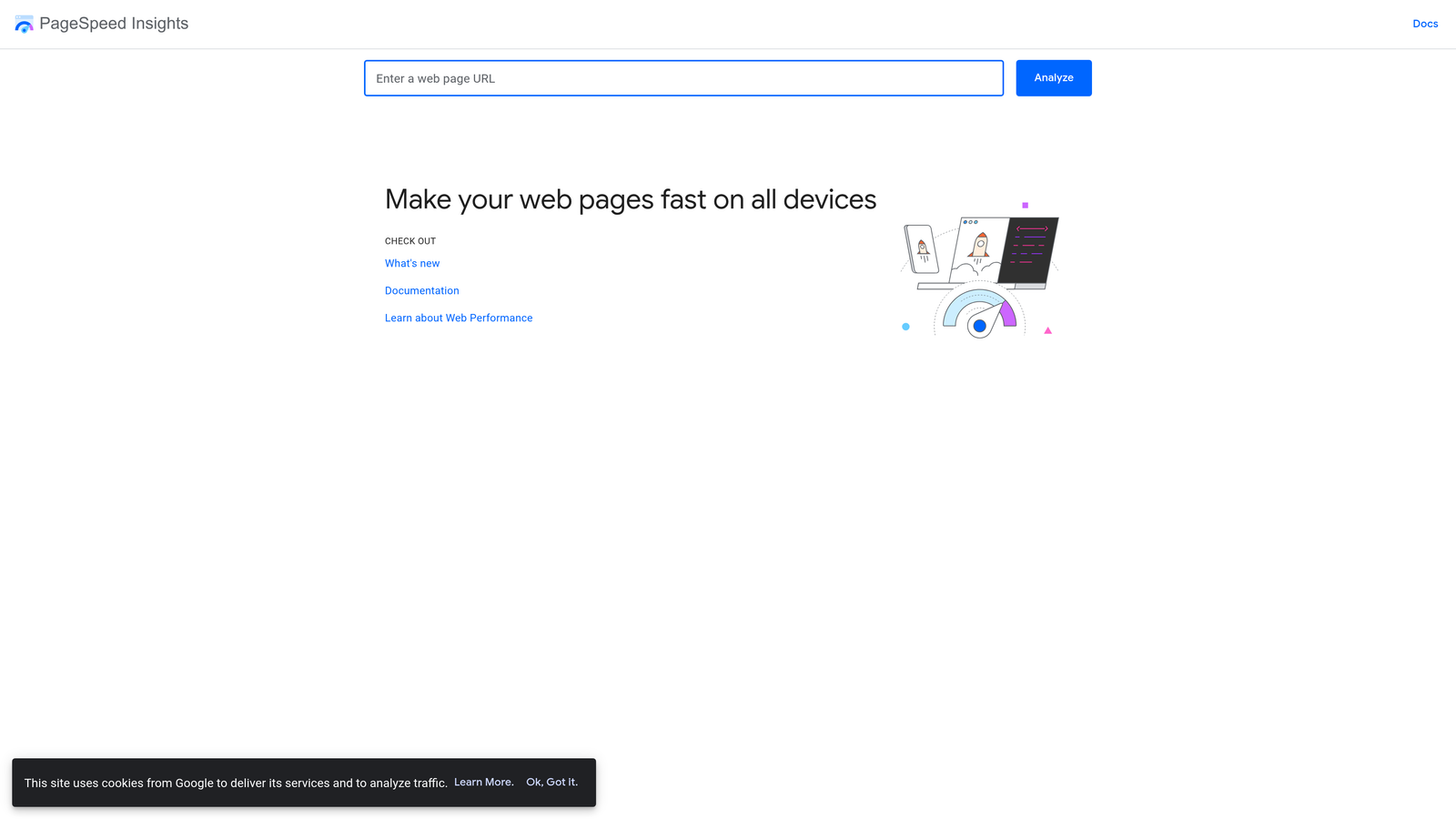
4. Test the site on mobile and run it through Google's PageSpeed Insights before going live.
Pro Tips
Avoid the temptation to over-customize a template before you have real content in place. Start with your actual words and images, then adjust the design around them. A well-written page on a simple template will outperform a beautifully designed page with weak copy every time.
2. Start with WordPress and a Free or Low-Cost Theme
The Challenge It Solves
Many business owners want a site they can grow into, not one they will need to rebuild in two years. The concern is that starting cheap means starting over later. WordPress solves this by giving you a platform that scales with your business without locking you into a proprietary system.
The Strategy Explained
WordPress powers a substantial portion of websites on the internet and remains one of the most cost-effective and flexible options available to small businesses. With affordable hosting from providers like SiteGround, Bluehost, or Cloudways, you can get a site live for a low monthly cost.
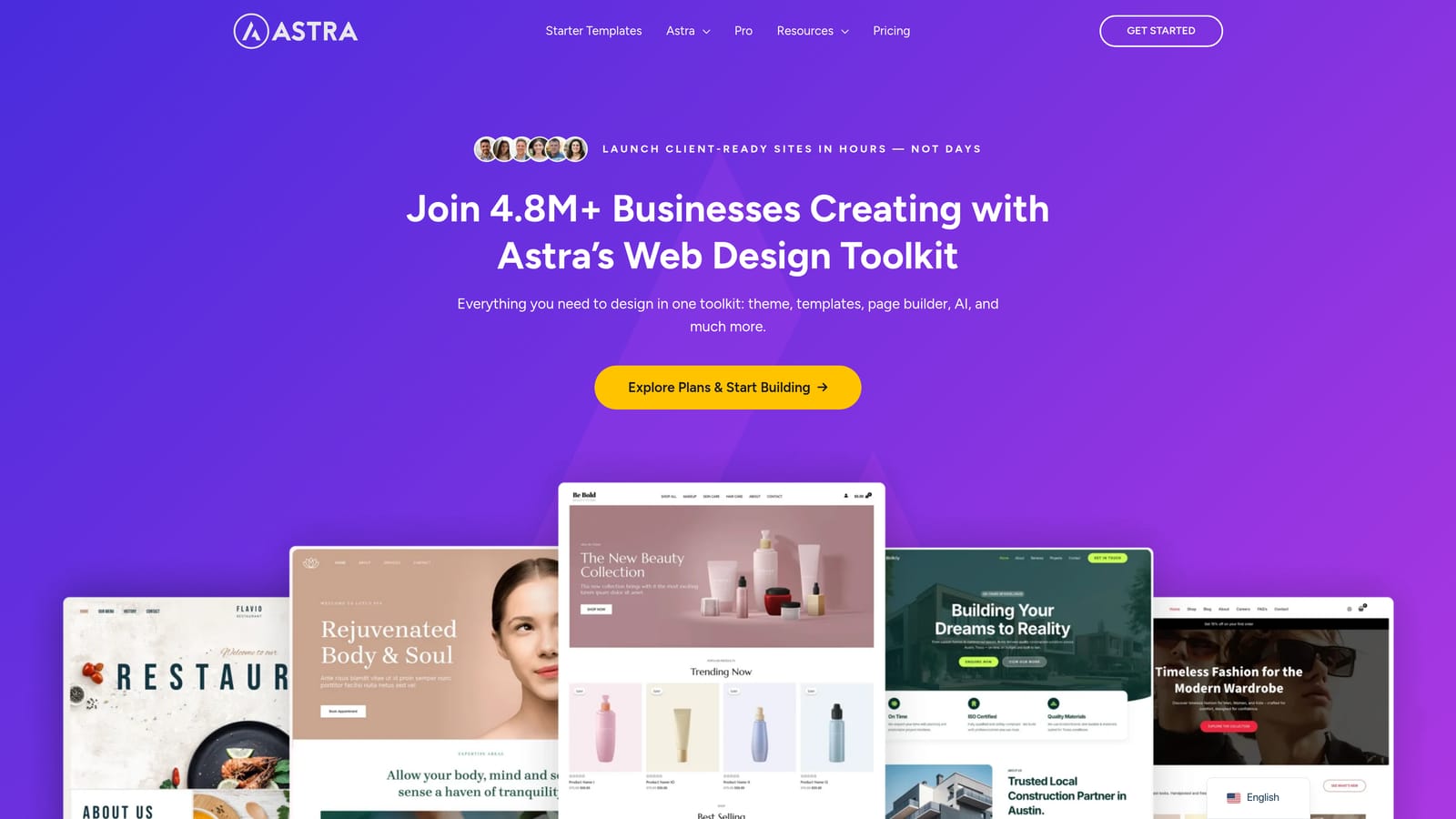
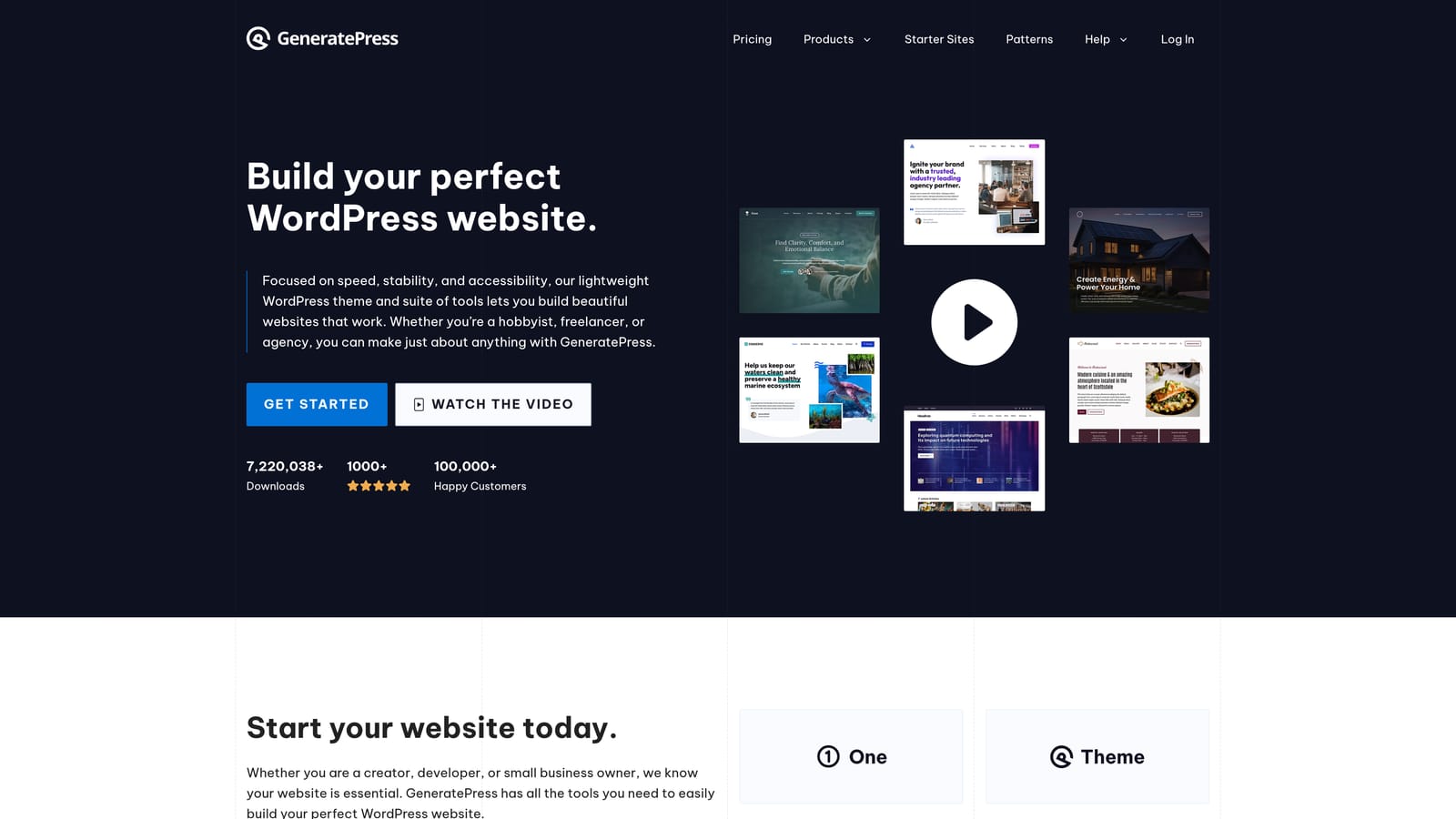
Free themes like Astra or GeneratePress are lightweight, fast, and designed to work well with popular page builders like Elementor. If you want something more polished out of the box, premium themes from marketplaces like ThemeForest are available at a one-time cost that is far lower than custom design work.
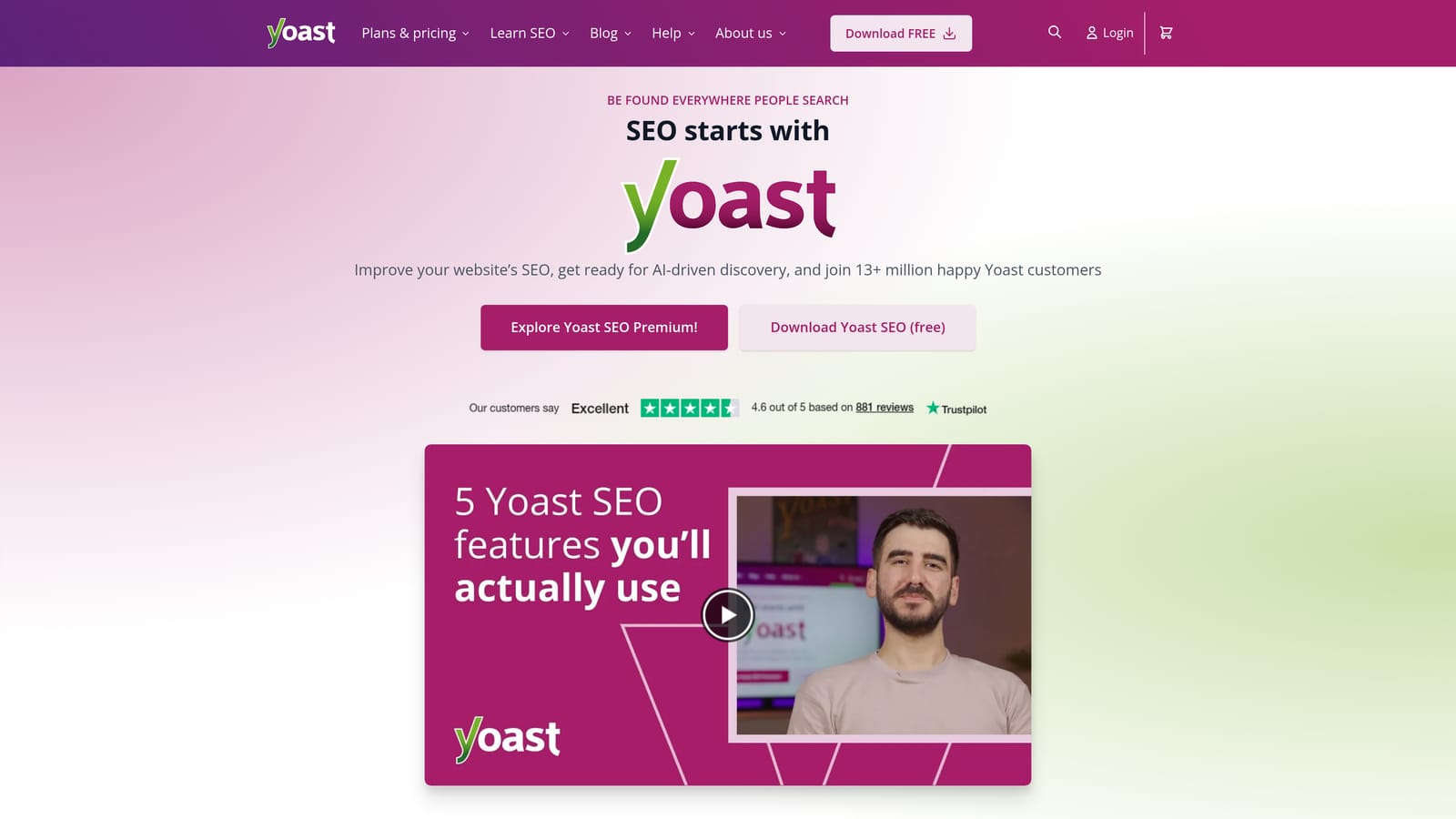
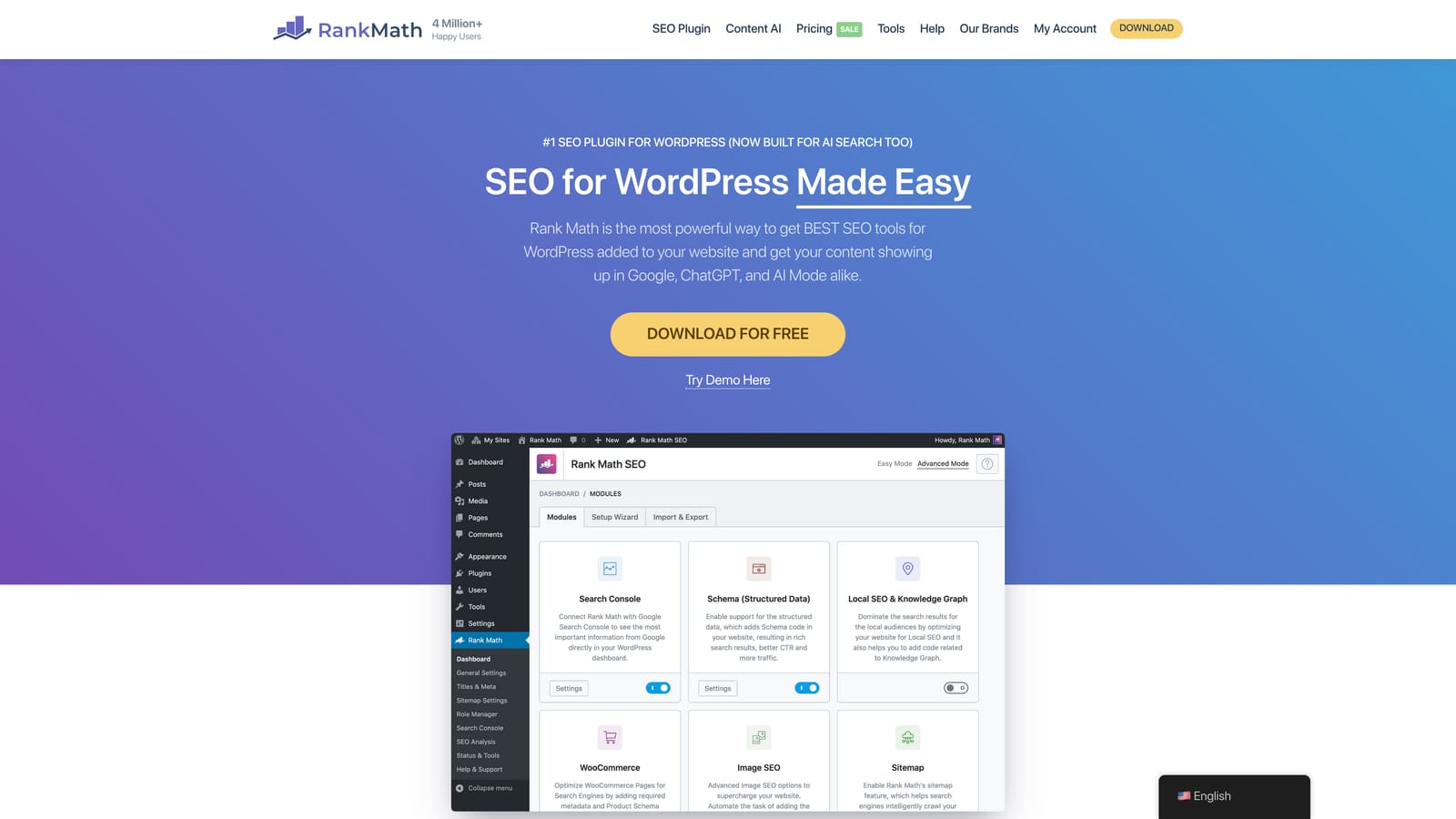
The real advantage of WordPress is SEO control. Plugins like Yoast SEO or Rank Math give you direct access to page titles, meta descriptions, schema markup, and sitemap management, all of which matter for search visibility. This is territory where many proprietary website builders still fall short.
Implementation Steps
1. Purchase hosting from a reputable provider and install WordPress through their one-click setup tool.
2. Install a lightweight theme and a page builder plugin to handle your layout without custom code.
3. Add an SEO plugin, a contact form plugin, and a caching plugin to cover your core functional needs from day one.
4. Build out your core pages: Home, Services, About, and Contact. Keep the structure simple and focused.
Pro Tips
Resist the urge to install dozens of plugins. Each one adds potential security risk and load time. Stick to plugins with strong reputations, active support, and a clear purpose. A lean WordPress install will outperform a bloated one in both speed and stability.
3. Hire a Freelancer Instead of a Full Agency
The Challenge It Solves
Traditional web design agencies often charge rates that are out of reach for early-stage or budget-conscious businesses. Many small businesses assume that professional quality requires agency pricing. Freelance marketplaces have changed that equation significantly.
The Strategy Explained
Freelance designers and developers on platforms like Upwork and Fiverr Pro can deliver professional results at a fraction of what most agencies charge. The difference in cost often comes down to overhead, not quality. Many skilled freelancers work independently precisely because they can earn more while offering clients lower rates.
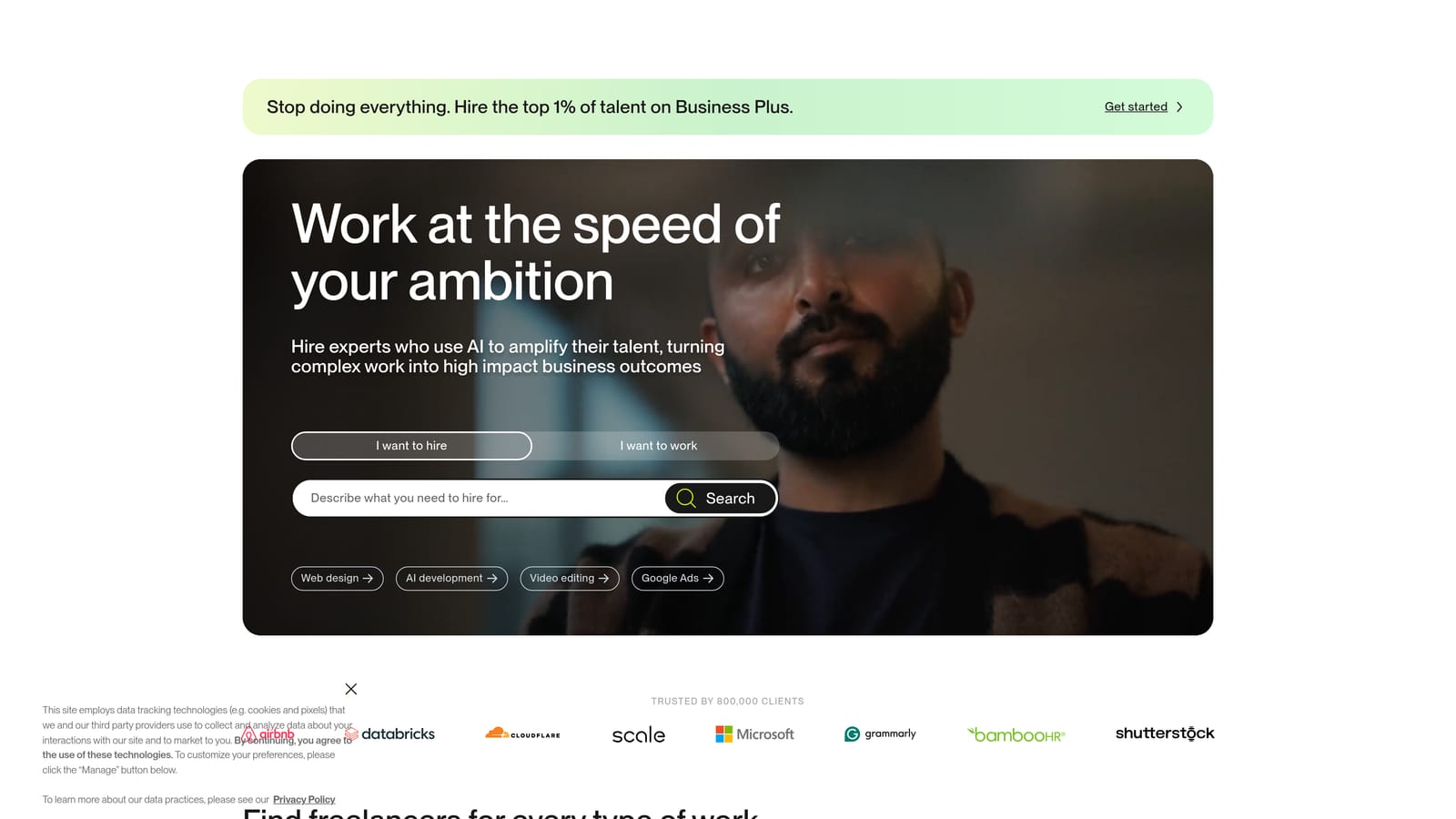
The key to a successful freelance engagement is preparation. A clear, detailed brief protects both parties and dramatically improves the quality of the output. Your brief should include your business goals, target audience, preferred style references, the pages you need, and the functionality you require.
Before hiring, review portfolios carefully. Look for work that resembles what you want, not just work that looks impressive in general. And from the very first conversation, confirm that you will retain full ownership of all design files, code, and domain assets when the project is complete.
Implementation Steps
1. Write a one-to-two page project brief that describes your business, your audience, your goals, and your must-have features.
2. Post your project on Upwork or browse Fiverr Pro profiles, filtering for designers with relevant industry experience and strong reviews.
3. Interview two or three candidates before committing. Ask to see live examples of their work, not just screenshots.
4. Confirm asset ownership, revision terms, and timeline in writing before any work begins.
Pro Tips
Pay slightly more for a freelancer with clear communication skills and a structured process. The cheapest option on any platform is rarely the best value. A freelancer who asks good questions upfront will save you significant time and frustration during revisions.
4. Leverage AI Website Builders for Speed and Simplicity
The Challenge It Solves
Sometimes the biggest barrier to getting a site live is simply starting. Staring at a blank page or a blank template can feel overwhelming, especially when you are running a business at the same time. AI-powered builders remove that friction by generating a structured starting point in minutes.
The Strategy Explained
AI-powered website builders like Durable, Hostinger AI, and Wix ADI can generate a structured, professional site layout based on a few inputs about your business type and location. These tools are best understood as a fast starting point rather than a finished product.
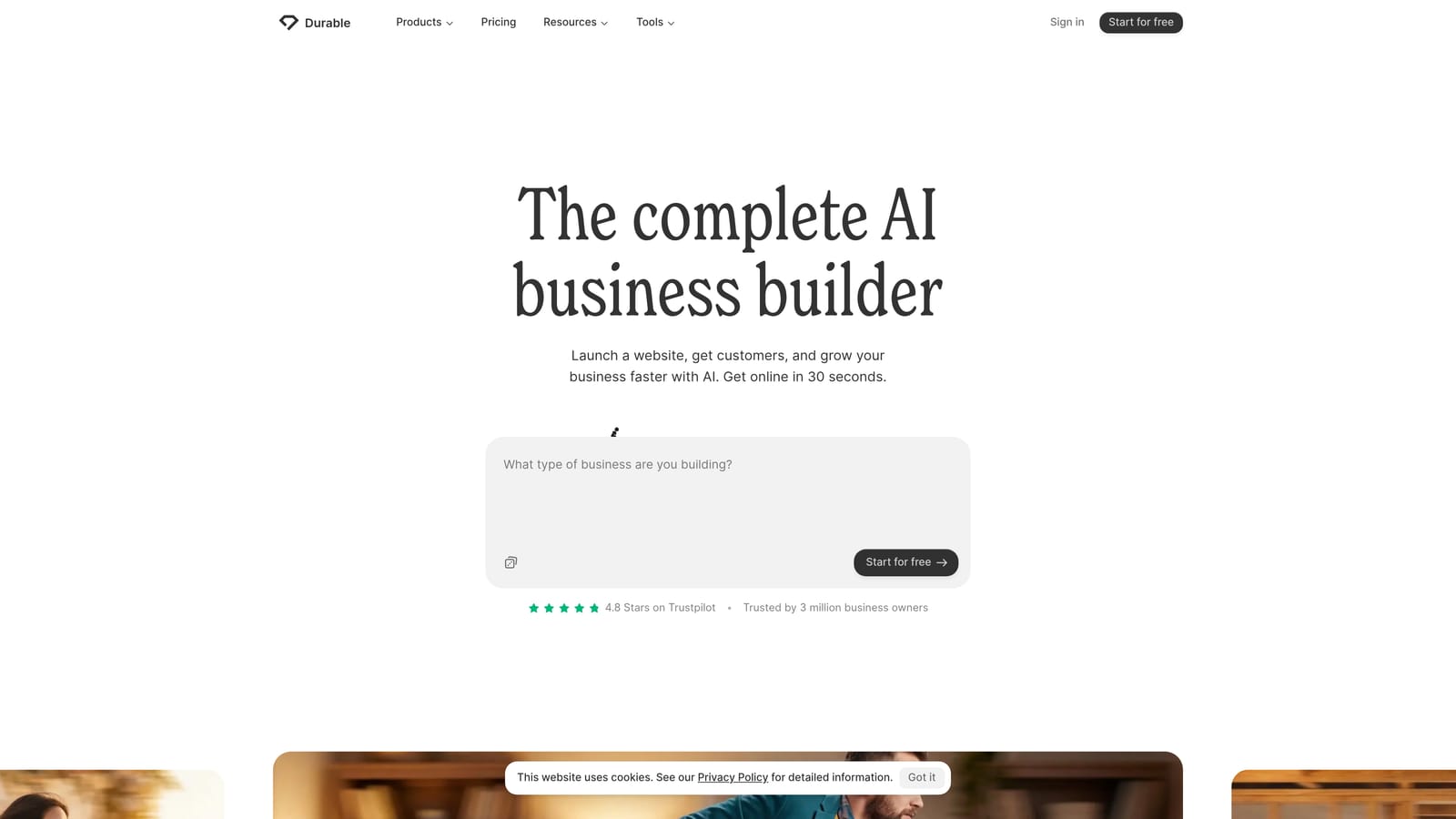
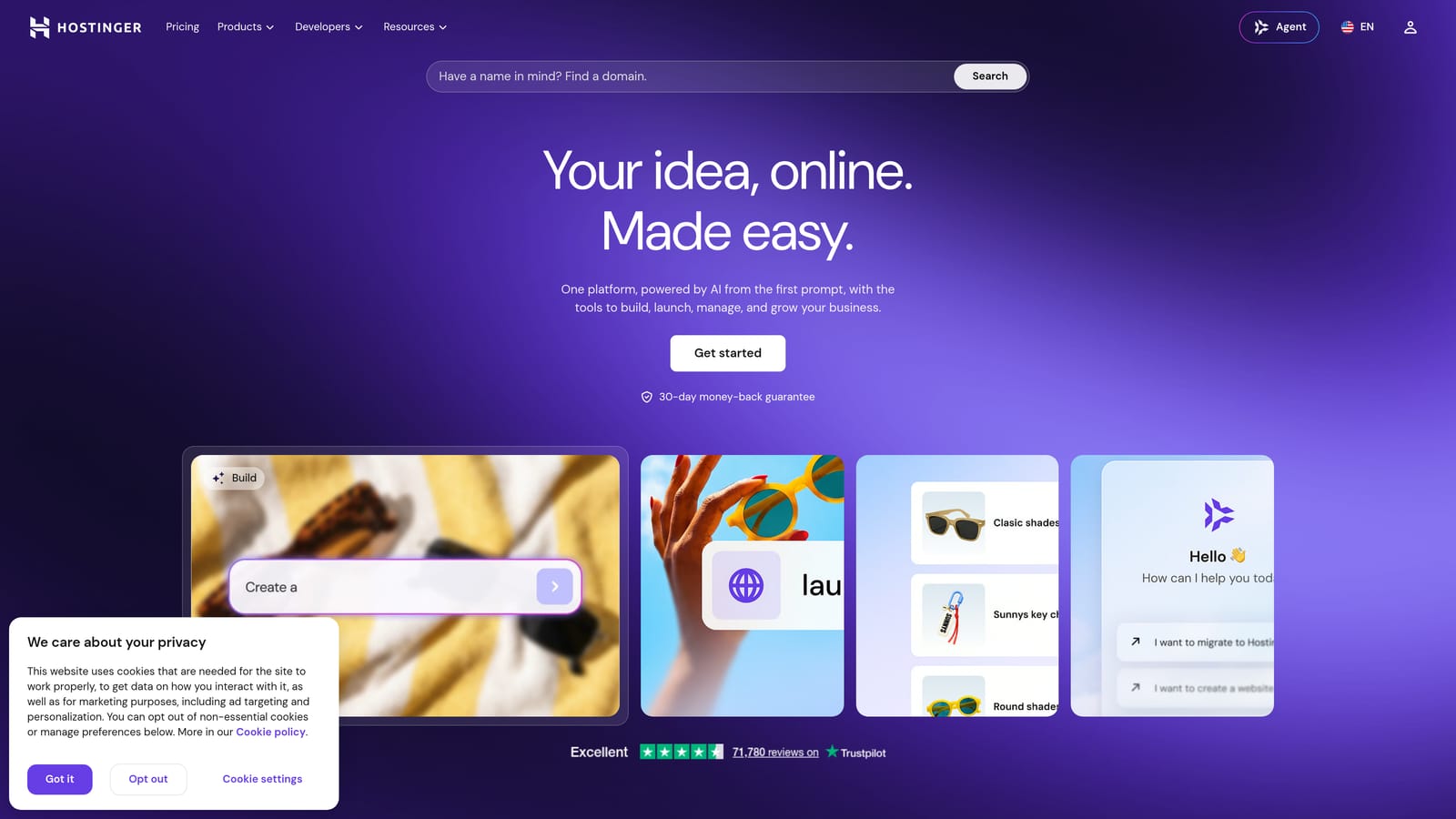
The generated structure gives you a logical page layout, placeholder sections, and basic design decisions already made. From there, your job is to replace the generic content with real brand messaging, accurate service descriptions, and copy that reflects how your actual customers talk about their problems.
These platforms often offer free tiers with paid upgrades for custom domains and advanced features. For businesses that need something live quickly and plan to refine it over time, AI builders offer a legitimate low-cost entry point. Just do not publish the AI-generated copy without editing it. Generic content will not serve your SEO or your credibility.
Implementation Steps
1. Choose an AI builder and enter your business name, industry, and location to generate an initial layout.
2. Review the generated structure and identify which sections serve your business and which can be removed.
3. Rewrite all body copy in your own voice, using the language your customers actually use when describing their needs.
4. Add real photos, your actual service list, and a clear call-to-action on every page before publishing.
Pro Tips
Use the AI-generated layout as a structural guide, not a content source. The value is in the speed of setup, not the quality of the generated text. Treat the copy as a first draft that needs significant revision before it is ready to represent your business.
5. Build on a Niche Platform Designed for Your Industry
The Challenge It Solves
General website builders require you to build everything from scratch, including booking systems, service menus, and client management tools. For businesses in specific industries, this can mean paying for multiple tools that do not integrate well. Niche platforms bundle these features together by design.
The Strategy Explained
Some industries have purpose-built platforms that include a website, booking system, and client management tools in a single package. Housecall Pro serves contractors and home service businesses. Jane App is built for health and wellness practitioners. Toast is designed for restaurants. These platforms exist because the operational needs of those industries are specific and recurring.
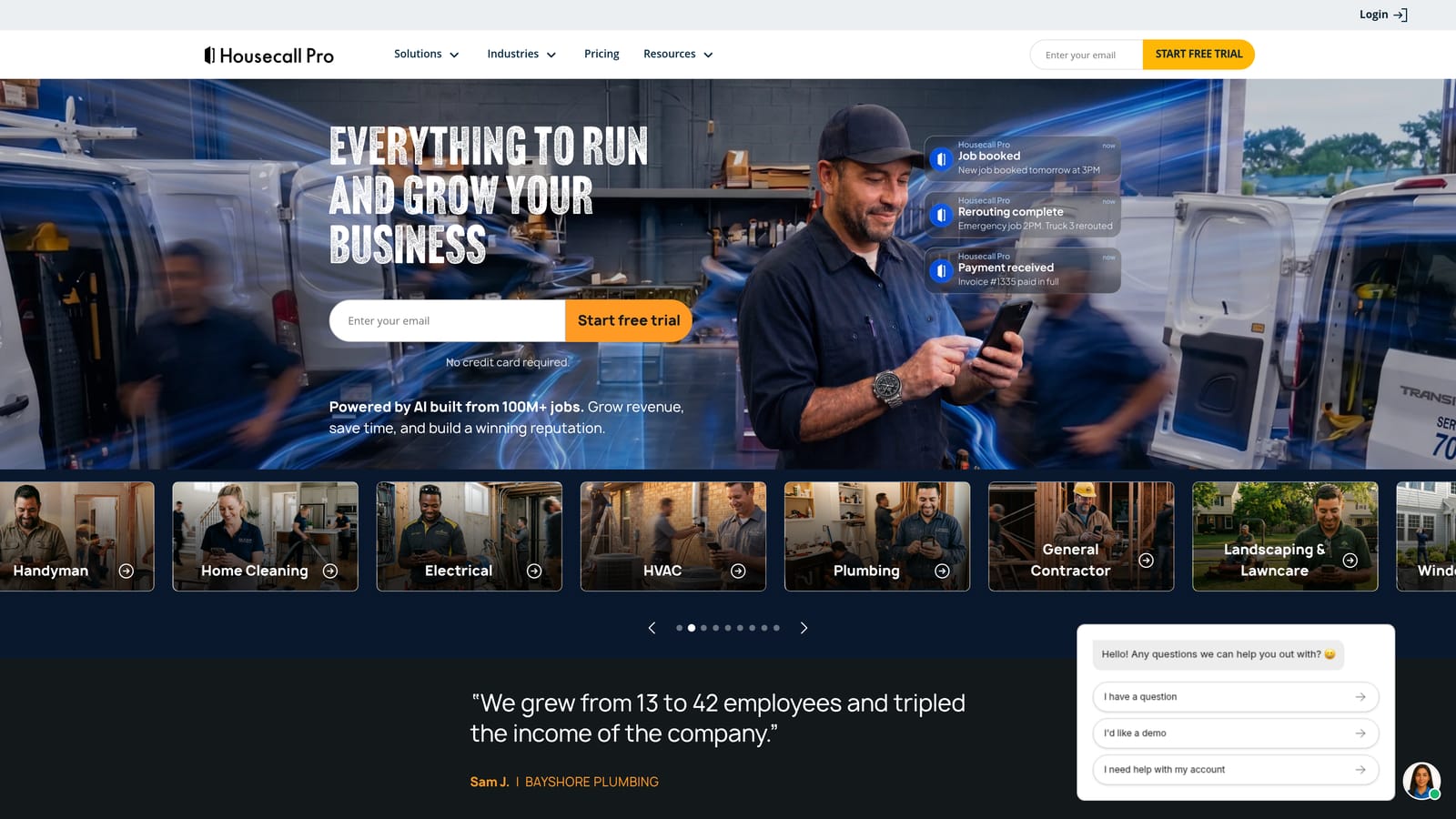
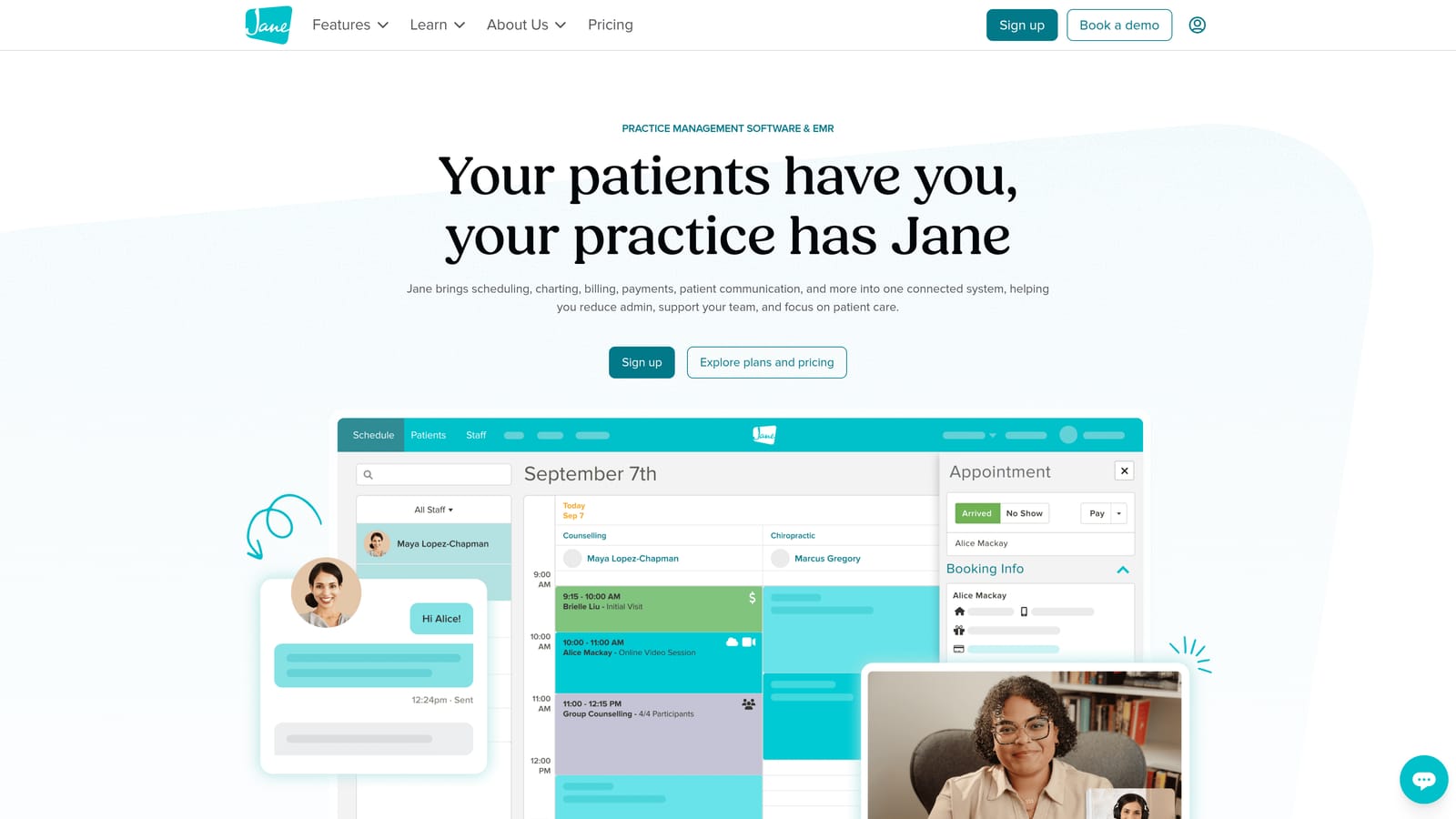
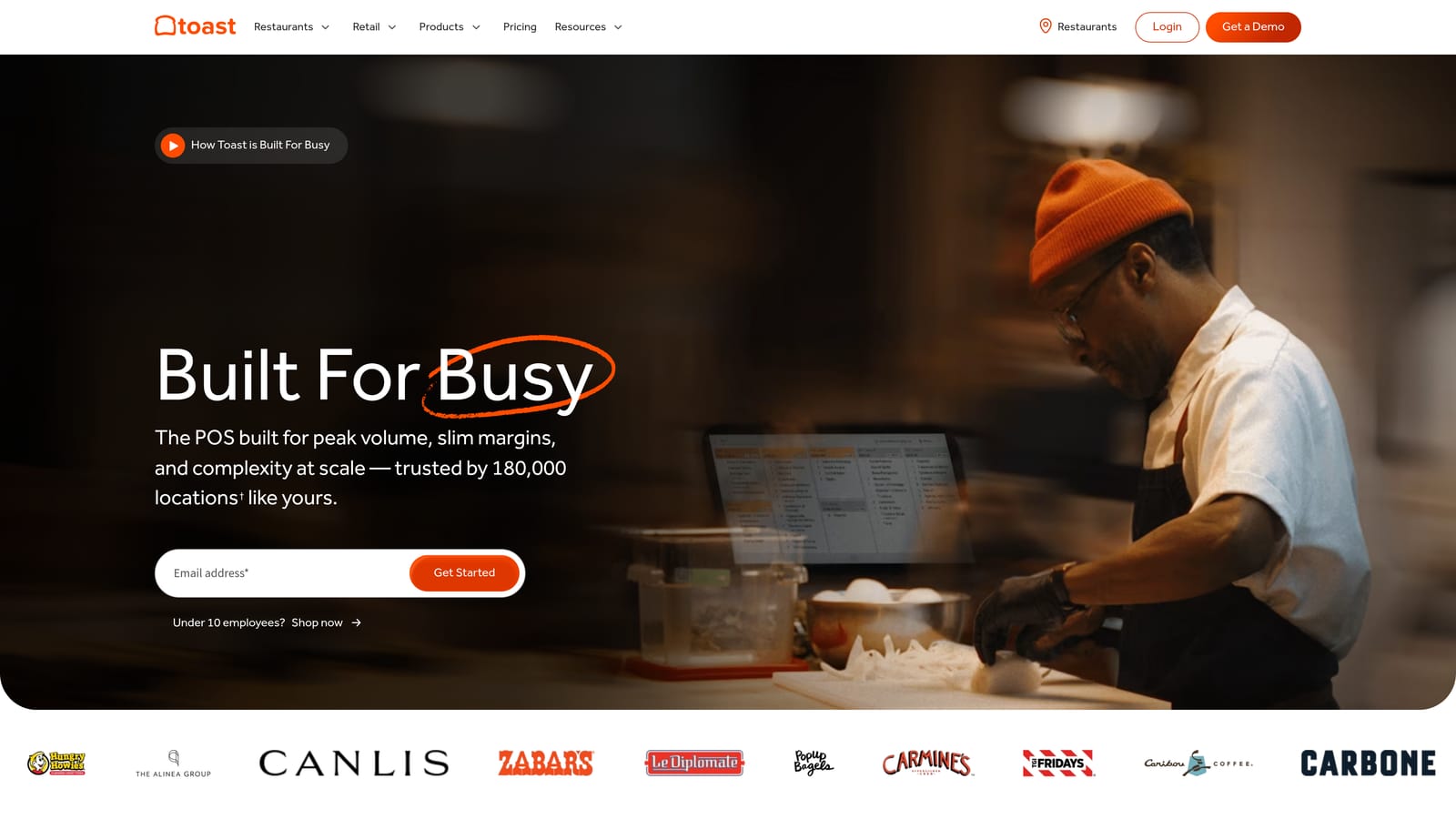
The advantage is speed and integration. You can have a functional, professional-looking site with booking capability live in a short time, without stitching together separate tools. The cost is often comparable to a website builder subscription when you factor in what you would otherwise pay for scheduling software, payment processing, and client communication tools separately.
The trade-off is worth understanding. Niche platforms typically offer less SEO flexibility than WordPress or a general builder. Your ability to customize page structure, add content, and optimize for search may be limited. And if you ever want to move to a different platform, migrating your content and client data can be complicated.
Implementation Steps
1. Research whether a purpose-built platform exists for your specific industry before defaulting to a general website builder.
2. Compare the total cost of the niche platform against the combined cost of a website builder plus the operational tools you would need separately.
3. Evaluate the SEO capabilities of any niche platform before committing. Check whether you can edit page titles, meta descriptions, and URL structures.
4. Ask about data portability upfront so you understand what it would take to migrate if you outgrow the platform.
Pro Tips
Niche platforms are often the right choice for businesses in early growth stages that need operational tools more urgently than advanced SEO capability. You can always build a more robust web presence later. Getting the operational infrastructure right first is a legitimate strategic priority.
6. Optimize Your Site for Search from Day One
The Challenge It Solves
A beautiful website that no one can find provides almost no business value. Many small business owners invest time and money in design while treating SEO as something to handle later. The problem is that foundational SEO errors are far more expensive to fix after the fact than to get right from the start.
The Strategy Explained
Every small business website should be built with search visibility in mind from the first page. This does not require an advanced technical background. It requires understanding a few core principles and applying them consistently.
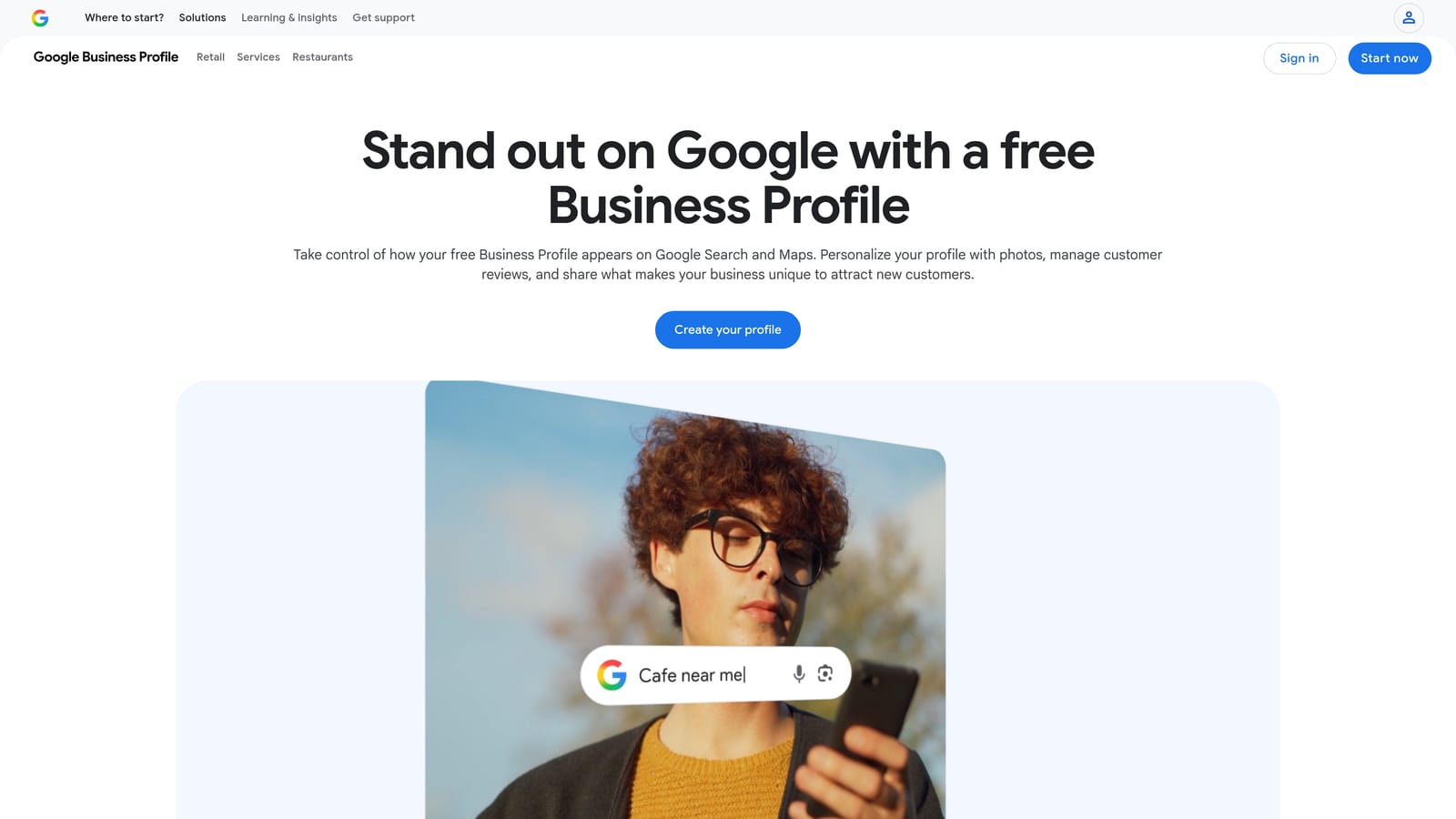
Page titles and meta descriptions should be written for both search engines and human readers. Each page should target a specific topic or keyword phrase, and the content on that page should fully address what a searcher would expect to find. For service-area businesses, local SEO signals are especially important. This includes a verified Google Business Profile, consistent business name and address information across the web, and location-specific pages if you serve multiple areas.
Page speed and mobile responsiveness are not optional. Google uses both as ranking signals, and visitors who land on a slow or hard-to-navigate site on their phone will leave quickly. These are problems that cost more to fix later than to prevent upfront. If you want a deeper look at how search visibility works for local businesses, understanding the fundamentals of local SEO is a strong place to start.
Implementation Steps
1. Write a unique, descriptive page title and meta description for every page on your site before it goes live.
2. Create and verify your Google Business Profile and ensure your business name, address, and phone number match exactly across your website and all directory listings.
3. Run your site through Google's PageSpeed Insights and address any issues flagged as high priority before launching.
4. Plan at least a basic content strategy: identify three to five questions your customers commonly ask and create pages or posts that answer them clearly.
Pro Tips
Do not wait until your site is fully designed to think about SEO. Write your page content with search intent in mind from the beginning. The structure of your pages, the headings you use, and the language you choose all contribute to how Google understands and ranks your site.
7. Add Lead Capture and Automation Before You Launch
The Challenge It Solves
Most budget websites fail not because they look unprofessional, but because they have no system to capture and follow up with visitors. Traffic without conversion infrastructure is wasted opportunity. A visitor who leaves without taking action is unlikely to return, and without a follow-up system, that lead is gone.
The Strategy Explained
A website that functions as a business tool needs more than good design and search visibility. It needs a mechanism to capture visitor information and a process to follow up with those visitors in a timely, relevant way.
At a minimum, every small business site should include a contact form, a clear call-to-action on the homepage and service pages, and a booking widget if appointments are part of your sales process. These elements guide visitors toward taking a specific next step rather than leaving them to figure out what to do on their own.
Beyond the basics, automated follow-up sequences have become increasingly accessible for small businesses. Tools that send a confirmation message, a follow-up email, or a reminder text after a form submission can significantly improve the rate at which inquiries convert to actual conversations. AI-powered CRM and follow-up tools have brought this capability within reach for businesses that previously could not justify the cost.
This is the difference between a digital brochure and a functioning sales system. The site looks the same to a visitor, but the business outcomes are completely different. Building these systems into your site from the start, rather than adding them later, ensures that every visitor who arrives has a clear path to becoming a customer. For businesses looking to understand how these systems connect to broader revenue strategy, exploring AI-powered lead conversion approaches offers useful context.
Implementation Steps
1. Add a contact form to your homepage, your service pages, and your contact page. Keep it short: name, phone or email, and one qualifying question.
2. Install a booking widget if your business model involves scheduled calls or appointments. Calendly and similar tools integrate easily with most website platforms.
3. Set up an automated confirmation message that goes out immediately when someone submits a form. Include what they can expect next and a timeframe for your response.
4. Create a simple follow-up sequence for leads who do not book immediately. Even one or two follow-up messages sent over the first few days can meaningfully improve your conversion rate.
Pro Tips
Keep your forms short. Every additional field reduces the number of people who complete the form. Ask only for what you genuinely need to have a useful first conversation. You can collect more information once you have established contact.
Putting It All Together
Getting a professional website for your small business does not require a large budget. It requires a clear strategy and an understanding of which elements actually drive business results.
The seven approaches covered here range from fully DIY to lightly assisted, and each one can produce a credible, high-performing site when executed with intention. The biggest mistake small business owners make is treating the website as a one-time expense rather than an ongoing asset.
A site that loads fast, ranks in search, and captures leads will consistently outperform a more expensive site that was built without those priorities in mind. Design alone does not generate revenue. The combination of visibility, structure, and conversion systems does.
Here is a practical way to prioritize your approach. Start with the platform that fits your current budget and technical comfort level. Get the core pages live with real content and proper SEO basics in place. Add a contact form and a booking option before you publish. Then layer in content, local SEO, and automation as your business grows and your budget allows.
If you want help building a website that is designed to convert from the start, North Valley Solutions works with small businesses to create systems that turn traffic into booked calls. Reach out to learn how we approach website strategy for growing businesses, and rank higher and grow.