A sitemap is one of the simplest technical SEO assets you can create, and one of the most overlooked. It tells search engines exactly what pages exist on your site, how they relate to each other, and how often they change. Without one, crawlers may miss important pages entirely.
If you have ever wondered why your website is not showing up in Google search results, a missing or outdated sitemap could be part of the problem. This guide covers nine sitemap generation tools that range from free browser-based utilities to full-featured SEO platforms. Whether you manage a five-page service site or a growing blog with hundreds of posts, there is an option here that fits your setup and technical comfort level.
Each tool is evaluated on ease of use, output quality, platform compatibility, and value for small to mid-sized businesses.
1. Screaming Frog SEO Spider
Best for: SEO professionals and technically confident business owners who want precise, crawl-based sitemap generation.
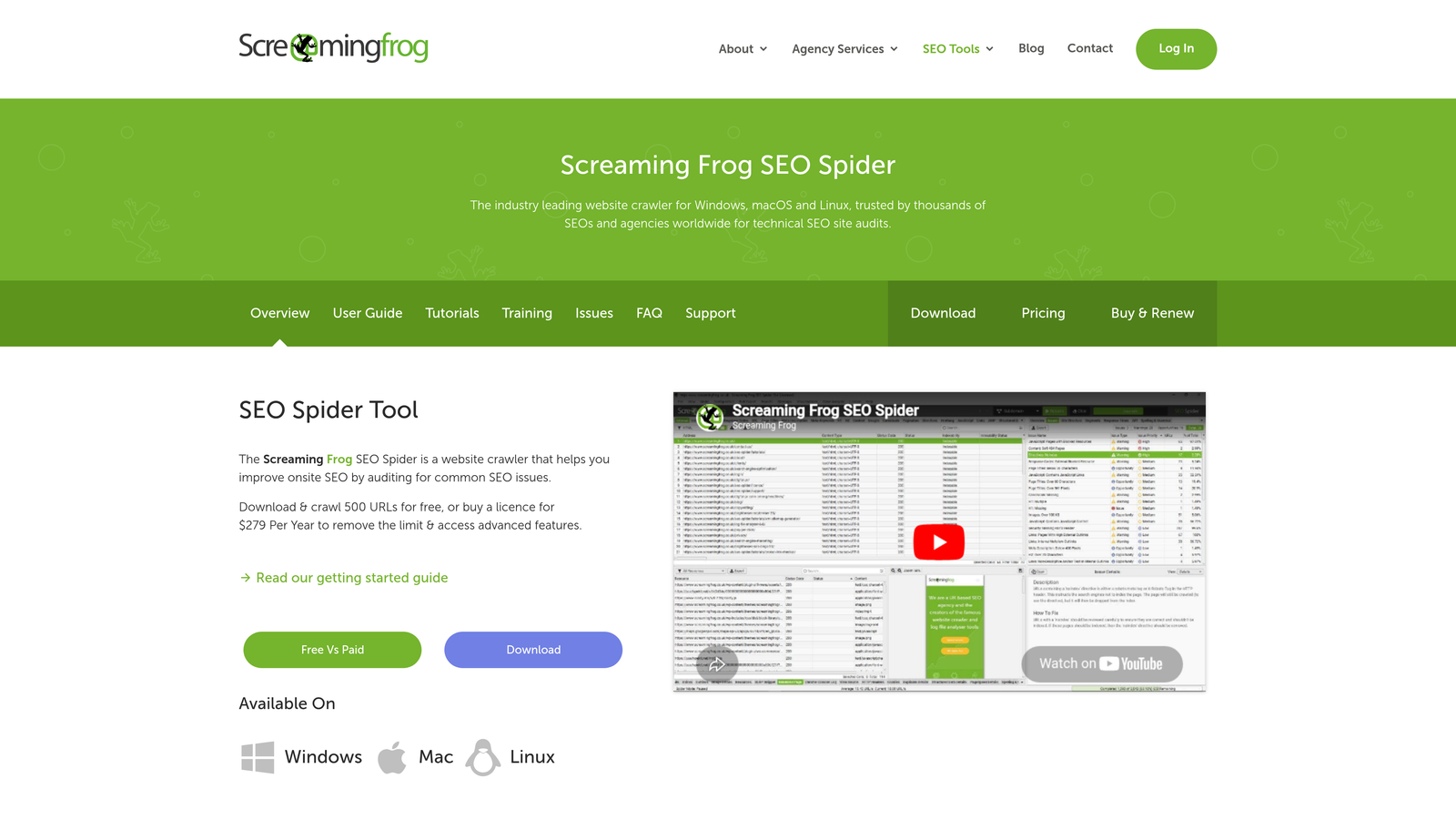
Screaming Frog SEO Spider is a desktop-based website crawler that generates XML sitemaps directly from live site crawl data.
Where This Tool Shines
Screaming Frog is the industry standard for technical SEO auditing, and its sitemap generation capability is one of the most reliable available. Because it crawls your live site before building the sitemap, the output reflects exactly what is actually accessible rather than what you think is there.
It automatically filters out noindex pages, redirect chains, and error URLs, so your sitemap only contains clean, indexable content. That level of precision is difficult to match with simpler tools.
Key Features
Crawl-based sitemap generation: Builds sitemaps from discovered URLs during a live site crawl, ensuring accuracy.
Specialized sitemap types: Supports image, video, and hreflang sitemaps for multilingual or media-heavy sites.
Automatic filtering: Removes noindex pages, redirects, and error URLs from the sitemap output without manual intervention.
Scheduled crawls and integrations: Paid plan supports scheduled crawls and connects with Google Analytics and Search Console.
Free tier available: The free version supports up to 500 URLs, which covers most small business websites.
Best For
Business owners comfortable working with desktop software, SEO consultants managing multiple client sites, and anyone who needs to generate a highly accurate sitemap from a site with complex structure or technical issues.
Pricing
Free for sites up to 500 URLs. The paid license is approximately $259/year. Verify current pricing at the vendor's website before purchasing.
2. Yoast SEO
Best for: WordPress site owners who want automatic, hands-off sitemap management built into their existing workflow.
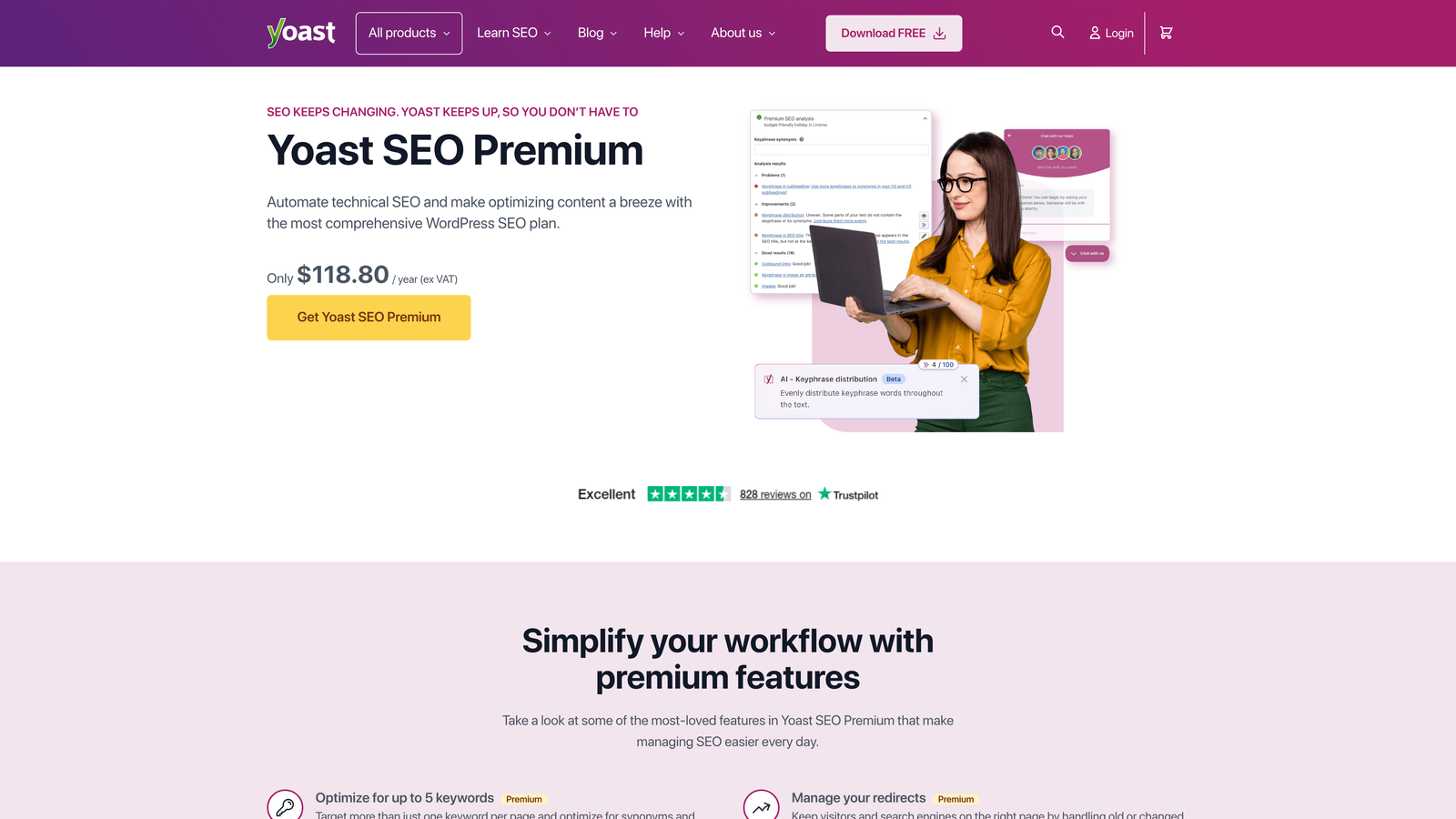
Yoast SEO is a WordPress plugin that automatically generates and maintains XML sitemaps as you publish and update content.
Where This Tool Shines
Yoast removes the manual work entirely. Once the plugin is installed and activated, your sitemap is live. Every time you publish a new post or page, Yoast updates the sitemap automatically without any action required on your part.
For small business owners who are not thinking about SEO every day, this kind of set-it-and-forget-it functionality is genuinely valuable. You are not going to forget to update your sitemap because there is nothing to remember.
Key Features
Automatic sitemap creation: Generates a complete XML sitemap on activation with no configuration required.
Real-time updates: Adds new pages and posts to the sitemap automatically when content is published or modified.
Content type controls: Allows inclusion or exclusion of specific post types and taxonomies from the sitemap.
Search Console integration: Connects directly with Google Search Console to streamline sitemap submission.
Free core functionality: The free plugin covers all essential sitemap features most small businesses need.
Best For
Any WordPress site owner, particularly those running service businesses, local businesses, or content-driven sites who want reliable sitemap management without technical overhead.
Pricing
Free plugin available in the WordPress repository. Yoast SEO Premium starts at approximately $99/year. Verify current pricing at the vendor's website.
3. XML-Sitemaps.com
Best for: Non-technical users who need a quick, no-setup sitemap for a small website.
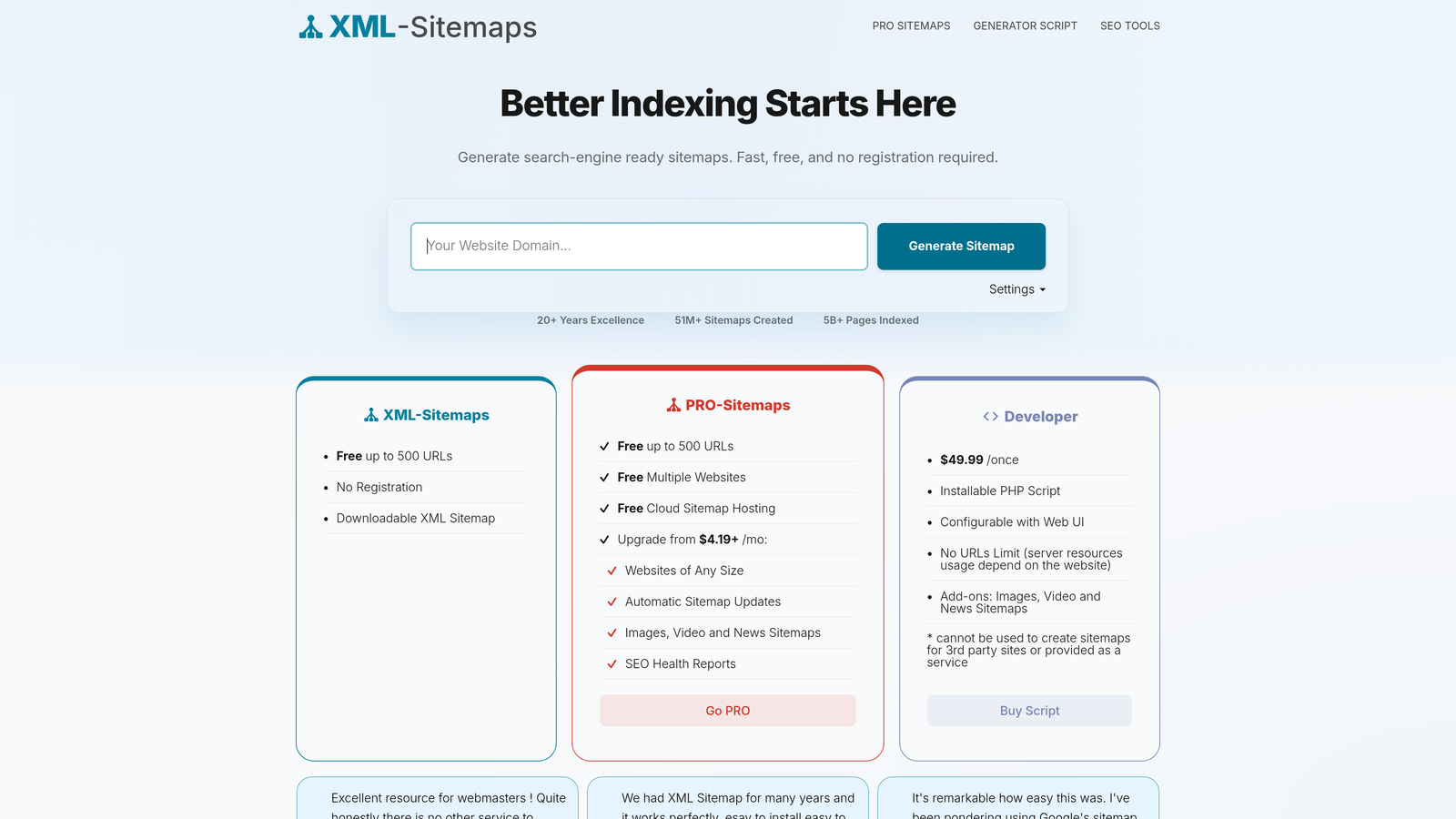
XML-Sitemaps.com is a browser-based sitemap generator that requires nothing more than entering your website URL to produce a downloadable XML file.
Where This Tool Shines
This tool is the definition of accessible. There is no software to install, no account to create, and no learning curve. You enter your URL, click generate, and download your sitemap. For a business owner who just needs to get a sitemap submitted to Google Search Console today, this is the fastest path to done.
It is not the most powerful option on this list, but for a small service site with a handful of pages, it does exactly what it needs to do without any friction.
Key Features
Zero setup required: No installation, account creation, or software needed to generate a sitemap.
Instant crawl and output: Crawls up to 500 pages on the free plan and generates a standard XML sitemap ready for submission.
Simple interface: Designed for non-technical users with a straightforward, single-action workflow.
Immediate download: Sitemap file is available for download and upload to your server right away.
Paid plan extensions: Paid options extend crawl limits beyond 500 pages for larger sites.
Best For
Small business owners with brochure-style websites of under 500 pages who want a sitemap generated quickly without learning new tools or software.
Pricing
Free for basic use. Paid plans are available to extend crawl limits. Verify current pricing at the vendor's website.
4. Google Search Console
Best for: Every website owner, regardless of size or technical skill level, as the required destination for sitemap submission to Google.
Google Search Console is Google's free platform for monitoring website performance in search and the essential tool for submitting and tracking your sitemap directly with Google.
Where This Tool Shines
Google Search Console does not generate sitemaps, but it belongs on this list because generating a sitemap without submitting it here means Google may never know it exists. Submission is the step that closes the loop between creating a sitemap and actually improving your indexing.
Beyond submission, Search Console shows you exactly how many of your submitted URLs have been indexed, flags sitemap errors, and identifies pages Google cannot access. That feedback loop is invaluable for diagnosing visibility problems.
Key Features
Direct sitemap submission: Submit your sitemap URL directly to Google for processing and indexing.
Indexing status reporting: Shows how many submitted URLs have been indexed versus how many were submitted.
Error and warning flags: Identifies sitemap formatting errors and accessibility issues with actionable descriptions.
Crawl status monitoring: Tracks which pages Google can and cannot access, helping you prioritize fixes.
Completely free: No cost, no usage limits, and no paid tiers.
Best For
Every business with a website. This is not optional if you want Google to find and index your pages. It works alongside any sitemap generator on this list.
Pricing
Completely free with no usage fees or paid tiers.
5. Semrush Site Audit
Best for: Growing businesses that want sitemap health monitoring as part of a broader technical SEO and competitive research platform.
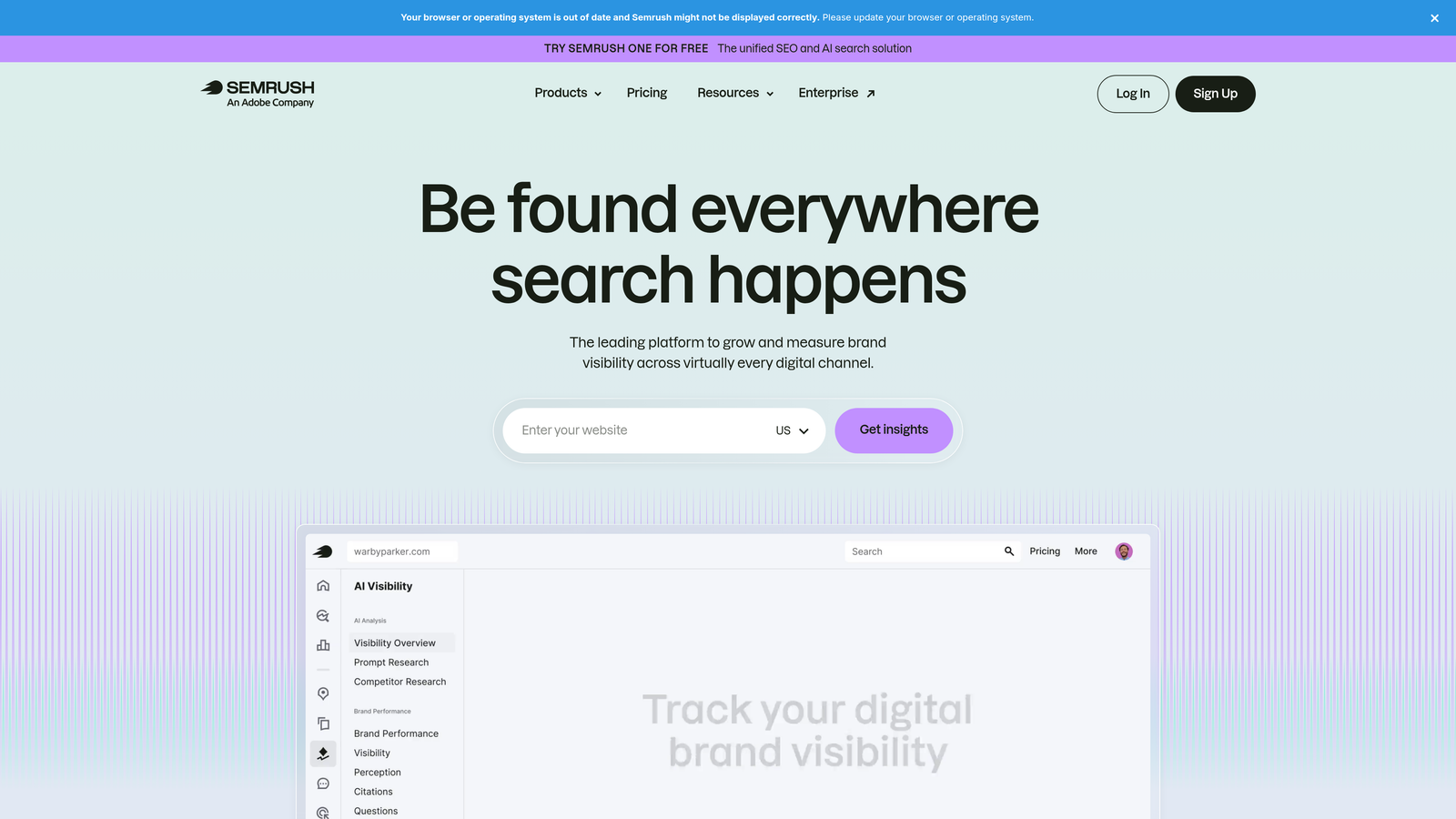
Semrush is a comprehensive SEO platform whose site audit module identifies sitemap issues alongside a full technical SEO review of your website.
Where This Tool Shines
Semrush approaches sitemaps from a diagnostic angle rather than a generation angle. Its site audit will tell you if your sitemap is missing, incorrectly formatted, or containing URLs that return errors. That context matters because a broken sitemap can be worse than no sitemap at all.
For businesses investing in SEO as a growth channel, having sitemap data integrated with keyword rankings, backlink profiles, and competitor analysis makes Semrush a strategic hub rather than a one-task tool.
Key Features
Sitemap issue detection: Identifies missing sitemaps, formatting errors, and broken sitemap URLs automatically.
Error URL identification: Flags pages in the sitemap that return 4xx or 5xx errors, which can harm crawl efficiency.
Coverage gap analysis: Identifies pages that are indexed but missing from the sitemap, and vice versa.
Cross-platform integration: Connects sitemap data with keyword ranking, backlink, and traffic reports for full-picture analysis.
Scheduled monitoring: Automated audits run on a schedule to keep sitemap health tracked over time.
Best For
Businesses actively investing in SEO who want sitemap management as one component of a complete technical and competitive SEO workflow, rather than a standalone task.
Pricing
Plans start at approximately $139.95/month. Verify current pricing at the vendor's website before committing.
6. Sitebulb
Best for: SEO consultants and agencies who need visual, presentation-ready audit reports that include sitemap and crawl coverage analysis.
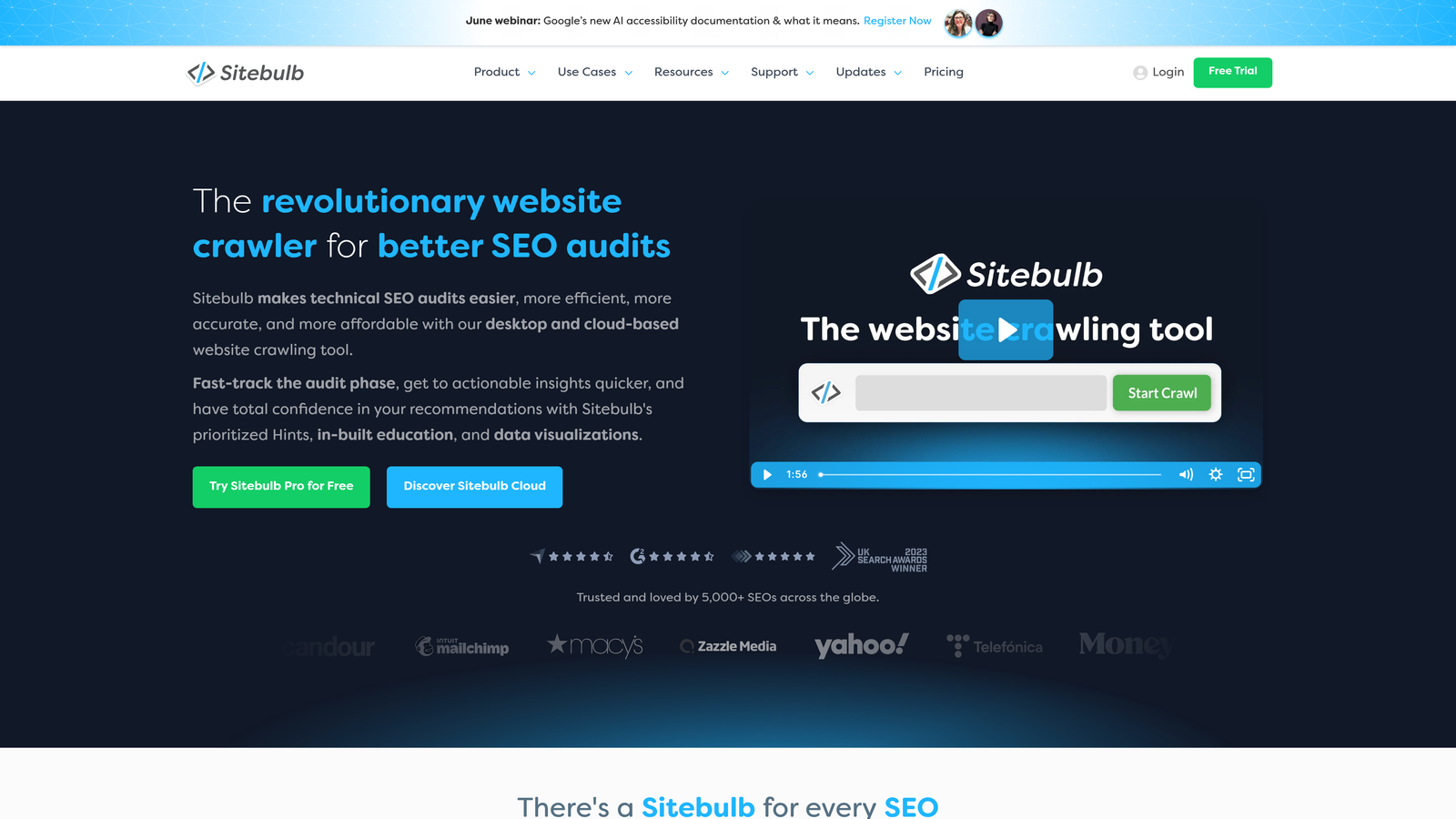
Sitebulb is a desktop and cloud-based crawler that produces visual SEO audit reports including detailed sitemap analysis and crawl coverage charts.
Where This Tool Shines
Sitebulb stands out for its visual reporting. Where other crawlers produce data tables, Sitebulb produces tree diagrams and chart views that make site structure and sitemap gaps immediately understandable, even to non-technical stakeholders. If you need to present SEO findings to a client or business partner, Sitebulb saves significant time in translating data into something actionable.
It also excels at identifying orphaned pages, which are pages on your site that exist but are not linked internally or covered by your sitemap. These are easy to miss and a common source of indexing gaps.
Key Features
Visual site structure views: Tree and chart views of site architecture and sitemap coverage make gaps visually obvious.
Orphaned page detection: Identifies pages that exist on the site but are not covered by the sitemap or internal links.
Sitemap generation from crawl data: Produces XML sitemaps based on what the crawler discovers during a live crawl.
Presentation-ready reports: Audit outputs are formatted for client or stakeholder review without additional formatting work.
Desktop and cloud options: Available as a local desktop application or a cloud-based version for team access.
Best For
SEO consultants managing multiple client sites, in-house SEO teams reporting to leadership, and agencies that need to communicate technical findings clearly to non-technical audiences.
Pricing
Desktop version starts at approximately $13.50/month. Verify current pricing at the vendor's website for cloud and team options.
7. Rank Math
Best for: WordPress users who want more sitemap customization and control than Yoast's free tier provides, without paying for a premium plan.
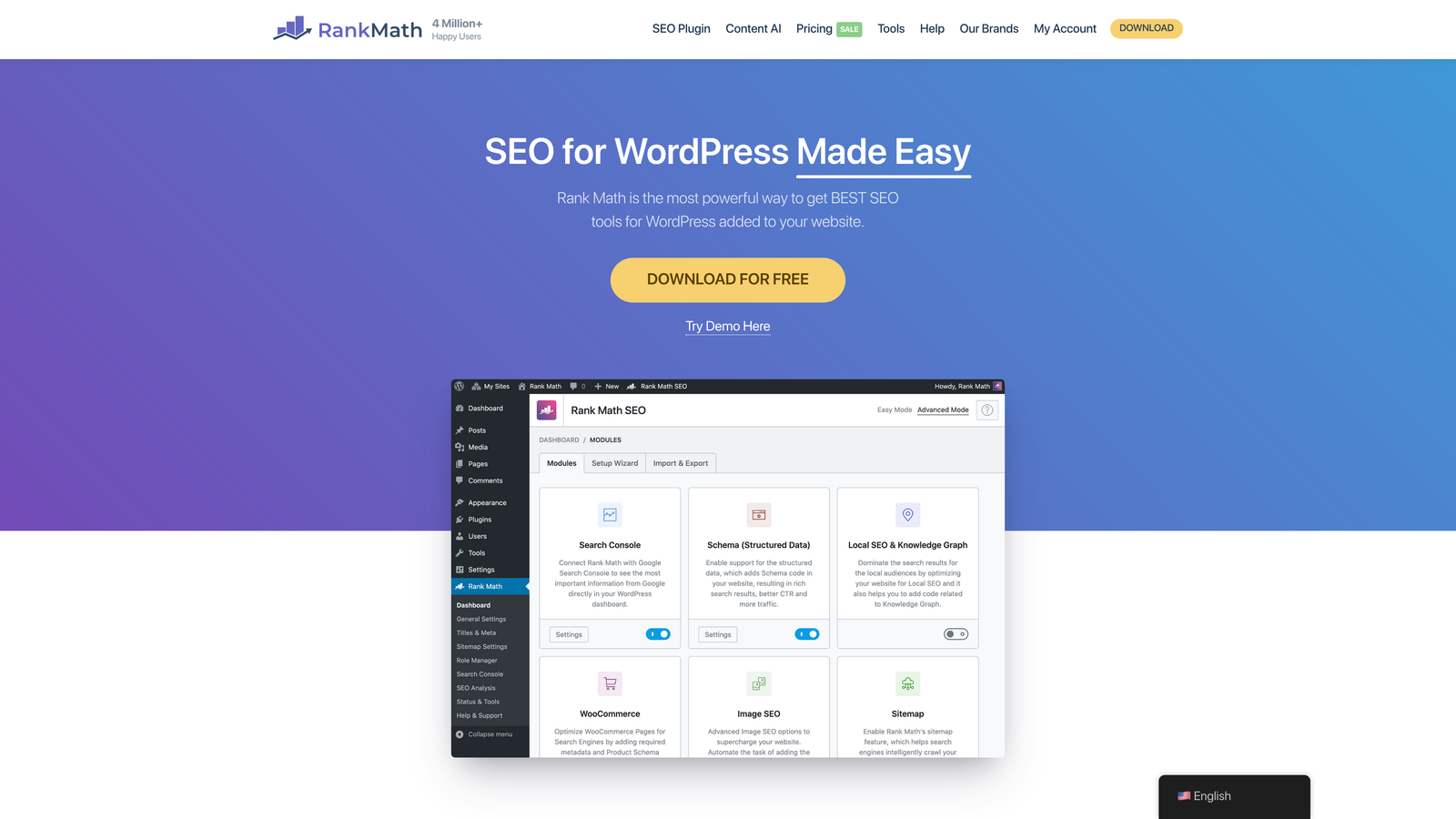
Rank Math is a WordPress SEO plugin that provides robust sitemap generation with more post type and format options than most competitors at the free tier.
Where This Tool Shines
Rank Math's free version is genuinely competitive with many paid tools. It handles XML sitemaps for posts, pages, categories, tags, and custom post types out of the box, giving WordPress site owners granular control over exactly what appears in the sitemap and what does not.
For sites built on WooCommerce, membership platforms, or custom post type architectures, that flexibility matters. You are not stuck with a one-size-fits-all sitemap that includes content you would rather keep out of the index.
Key Features
Broad content type support: Generates sitemaps for posts, pages, categories, tags, and custom post types with individual toggle controls.
Video and news sitemaps: Specialized sitemap formats available on higher-tier plans for media publishers and news sites.
Granular inclusion controls: Choose exactly which content types appear in the sitemap at a fine-grained level.
Schema markup integration: Built-in schema tools complement sitemap functionality for a stronger overall search presence.
Feature-rich free tier: The free version includes more sitemap functionality than many tools charge for.
Best For
WordPress site owners with complex content architectures, WooCommerce stores, or custom post types who need precise sitemap control without upgrading to a paid plan.
Pricing
Free plugin available in the WordPress repository. Pro version starts at approximately $6.99/month. Verify current pricing at the vendor's website.
8. Slickplan
Best for: Web designers, developers, and project managers who need to plan site architecture visually before a site is built or redesigned.
Slickplan is a visual sitemap planning tool used in the website design and planning phase to map out site architecture before development begins, with XML export capability.
Where This Tool Shines
Slickplan occupies a unique position on this list because it works before your site exists, not after. Rather than crawling a live site, it gives teams a drag-and-drop canvas to design the information architecture from scratch. That makes it ideal for new website builds and redesigns where getting the structure right from the start prevents expensive rework later.
The ability to export that planned architecture as an XML sitemap means the planning document and the SEO deliverable are the same artifact, which keeps projects efficient and aligned.
Key Features
Visual drag-and-drop builder: Design site architecture on a visual canvas before any development begins.
XML sitemap export: Export the planned structure directly as an XML sitemap ready for search engine submission.
Collaborative editing: Multiple team members can work on the sitemap simultaneously, supporting design and development alignment.
Content planning features: Assign page-level content briefs and notes within the sitemap during the planning phase.
Stakeholder alignment support: Visual format makes it easy to review and approve site structure with clients or leadership before building.
Best For
Web design teams, marketing agencies, and business owners planning a new site or significant redesign who want to align on structure before development investment is made.
Pricing
Plans start at approximately $8.99/month. Verify current pricing at the vendor's website.
9. Bing Webmaster Tools
Best for: Businesses that want complete search coverage across both Google and Bing, particularly those serving B2B or Microsoft-ecosystem audiences.
Bing Webmaster Tools is Microsoft's free platform for submitting sitemaps and monitoring website performance in Bing and Yahoo search results.
Where This Tool Shines
Bing Webmaster Tools is the most commonly skipped step in sitemap submission, and that is a missed opportunity. Bing powers search results across Bing, Yahoo, and Microsoft Edge, and it tends to over-index with B2B audiences, older demographics, and users in Microsoft-heavy enterprise environments.
If your business serves other businesses, your buyers may be searching from corporate devices with Bing set as the default browser. Submitting your sitemap here takes less than five minutes and ensures you are not invisible to an entire segment of potential customers.
Key Features
Direct sitemap submission to Bing: Submit your sitemap URL for processing across Bing and Yahoo search results.
Crawl error and indexing monitoring: Tracks crawl errors and indexing status specific to Bing's crawler.
Free SEO analyzer: Built-in SEO analysis and keyword research tools included at no cost.
B2B audience relevance: Particularly valuable for businesses targeting professional audiences who use Microsoft products and services.
Completely free: No cost, no tiers, and no usage limitations.
Best For
Any business that wants complete search engine coverage. It is especially important for B2B companies, professional services firms, and businesses whose customers are likely using Windows devices or Microsoft Edge as their default browser.
Pricing
Completely free with no usage fees or paid tiers.
Which Tool Is Right for Your Business
The right sitemap tool depends on where you are in your website journey and how much technical involvement you want to take on.
If you are on WordPress, start with Yoast SEO or Rank Math. Both handle sitemap generation automatically, and both are free. Rank Math gives you more control at the free tier; Yoast is simpler to set up and widely trusted. Either one will have you covered without ongoing maintenance.
If you are not on WordPress and need a quick sitemap with no technical setup, XML-Sitemaps.com gets the job done in minutes. Once you have the file, upload it to your site and submit it through Google Search Console and Bing Webmaster Tools. Both submission platforms are free and should be considered mandatory steps, not optional ones.
For deeper technical analysis, Screaming Frog is the professional standard. If you want visual reporting for stakeholder presentations, Sitebulb is worth exploring. If you are planning a new site from scratch, Slickplan helps you get the architecture right before a single line of code is written. And if you are investing in SEO as a growth channel and want sitemap health integrated with keyword and competitive data, Semrush brings everything into one place.
A sitemap is a starting point, not a complete SEO strategy. Getting it right matters, but it works best as part of a broader system that includes optimized content, a conversion-focused website, and a consistent lead capture process.
If you want help building that kind of system from the ground up, the team at North Valley Solutions works exclusively with one business per niche per market, so your strategy stays focused and your competition stays out. rank higher and grow by scheduling a quick call to see exactly how we can help.