You publish a new service page. You write a blog post answering a question your customers ask constantly. You add a detailed description of your most popular offering. Then you wait. A week passes. Two weeks. A month. And those pages still aren't showing up in Google search results.
This is one of the most frustrating experiences a business owner can have online. You've done the work, but no one can find it. The problem often isn't the content itself. It's that search engines simply don't know those pages exist yet.
Search engines don't browse your website the way a human visitor does. They send automated bots to crawl the web, following links and cataloging content. If your pages aren't well-connected or clearly mapped out, those bots can miss them entirely. That's where an XML sitemap becomes one of the most practical tools in your SEO toolkit.
Think of an XML sitemap as a master directory for your website. It tells search engines exactly what pages exist, when they were last updated, and how they're organized. It's not a magic solution, but it's a foundational one. In this article, you'll learn what an XML sitemap actually is, how search engines use it, why it matters for both traditional SEO and AI-driven search, and how to create and maintain one without needing a developer on call.
The Roadmap Search Engines Use to Navigate Your Site
An XML sitemap is a structured file that lists every important page on your website in a format designed specifically for search engine crawlers. XML stands for Extensible Markup Language, which is just a way of organizing data in a structured, readable format. You don't need to understand how to write XML to benefit from a sitemap, but understanding its basic structure helps you see why it works.
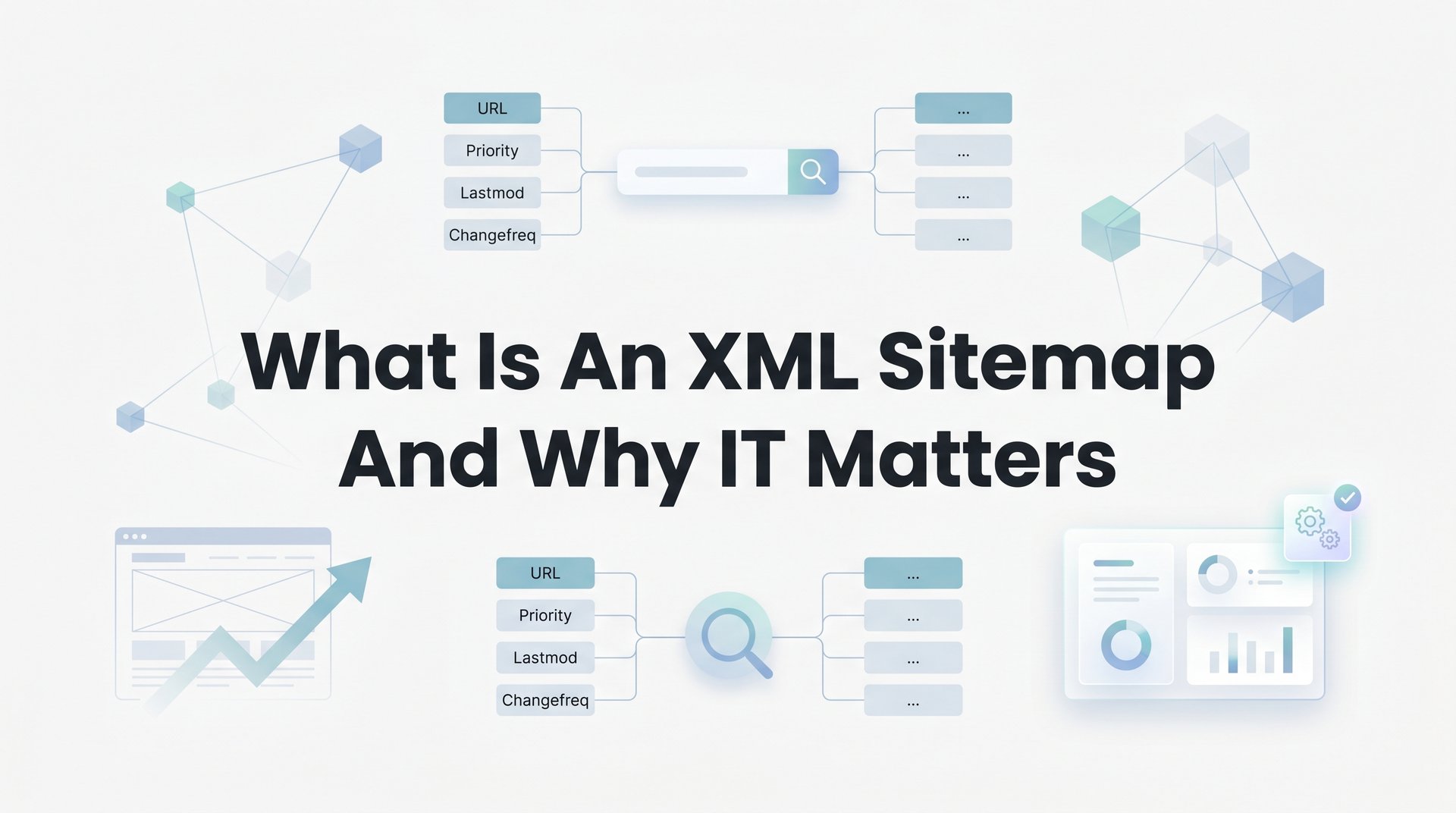
Each entry in an XML sitemap includes key pieces of information about a page. The core tags are straightforward:
loc: The full URL of the page. This is the only required tag. It tells the crawler exactly where the page lives.
lastmod: The date the page was last modified. This helps search engines understand whether they need to re-crawl a page or whether the content has changed since their last visit.
changefreq: How frequently the page is expected to change, such as daily, weekly, or monthly. It's worth noting that Google has stated it largely ignores this tag in practice, so don't spend too much energy on it.
priority: A value between 0.0 and 1.0 indicating the relative importance of a page compared to other pages on your site. Google has also indicated it pays limited attention to this tag, but it can still be useful for organizing your own thinking about what matters most on your site.
It's also important to understand the difference between an XML sitemap and an HTML sitemap. An HTML sitemap is a page on your website that human visitors can read, often organized like a table of contents. An XML sitemap is a backend file not meant for visitors at all. It's written for Googlebot, Bingbot, and other search engine crawlers. Understanding how these crawlers work is part of a broader set of Googlebot optimization techniques that can improve your site's visibility.
The XML sitemap protocol is defined by sitemaps.org, which is supported by Google, Bing, Yahoo, and other major search engines. This means the format is standardized, so a sitemap you create for Google will work for other search engines as well.
A simplified sitemap entry might look like this in plain terms: a page URL, the date it was last updated, and a note that it's a high-priority page. That's it. The simplicity is part of what makes it so useful. You're giving search engines a clean, organized list rather than forcing them to piece together your site structure on their own.
How Search Engines Discover and Crawl Your Pages
To understand why sitemaps matter, it helps to understand how search engines actually find and index content. The process has three basic stages: crawling, indexing, and ranking.
Crawling is when a search engine sends an automated bot to visit web pages, follow links, and collect information. Indexing is when that information is processed and stored in the search engine's database. Ranking is when the search engine decides which indexed pages to show in response to a search query. A sitemap primarily helps with the first two stages.
Without a sitemap, search engine bots rely entirely on links to discover your pages. They start from a known page, follow every link they find, then follow the links on those pages, and so on. This works reasonably well for well-connected sites. But it creates real problems in common situations.
If you have a new page with no internal links pointing to it, bots may never find it. If a page is buried several clicks deep in your site's navigation, it may take much longer to be discovered. These are called orphaned pages or deeply nested pages, and they're more common than most business owners realize. If you're dealing with this issue, learning how to fix pages not indexed in Google can help you address it directly.
Submitting an XML sitemap through Google Search Console or Bing Webmaster Tools solves this problem directly. Instead of waiting for bots to stumble upon your pages through links, you hand them a complete list of everything you want indexed. It's a direct line of communication between your website and the search engine.
Here's an important clarification that comes directly from Google's own documentation: having a sitemap does not guarantee that all pages will be crawled or indexed. Google treats sitemaps as hints, not instructions. The final decision about what to crawl and index is always Google's.
That said, the practical benefit is significant. A sitemap improves crawl efficiency, which means search engines spend less time guessing and more time actually processing your content. For new websites with few external backlinks, a sitemap is especially valuable because there may be very few incoming links for bots to follow in the first place.
Google's Search Central documentation specifically identifies four types of sites that benefit most from sitemaps: very large sites, sites with large archives of content that aren't well linked internally, new sites with few external links, and sites using rich media content or appearing in Google News. If your business falls into any of these categories, a sitemap isn't optional. It's essential.
The submission process is simple. In Google Search Console, you navigate to the Sitemaps section, enter your sitemap URL, and click submit. Google will then begin processing it and report back on how many URLs were discovered and indexed. This reporting alone makes the submission worthwhile, because you can see at a glance whether your pages are being found.
Why XML Sitemaps Matter for SEO and AI Search Visibility
A sitemap isn't just about getting pages discovered. It also plays a role in how efficiently search engines allocate their resources on your site, which has real implications for SEO performance.
Every website has what's known as a crawl budget. This is the number of pages a search engine will crawl on your site within a given time period. For small sites with a few dozen pages, crawl budget is rarely a concern. But for businesses with hundreds of pages, an e-commerce store with thousands of product listings, or a company that publishes blog content regularly, crawl budget becomes meaningful.
A well-structured sitemap helps search engines prioritize their crawling. When your sitemap clearly lists your most important pages and includes accurate lastmod dates, you're giving search engines better signals about where to focus. Understanding how often you should update your sitemap ensures those signals stay accurate over time. If you update a service page or publish a new blog post, an accurate lastmod date tells Googlebot that something has changed and it's worth re-crawling. This supports faster discovery of fresh content, which matters for competitive search terms where recency plays a role.
The connection to AI-driven search is also worth understanding. Generative search tools and AI-powered search engines rely on the same web crawling infrastructure that traditional search engines use. They need to be able to find, access, and parse your content before they can surface it in responses or recommendations. Businesses looking to stay ahead should understand how SEO affects AI search results and plan accordingly.
A clean, well-maintained sitemap is part of making your website as crawlable and parseable as possible. When your content is easy to discover and your site structure is clear, AI systems have a better foundation for understanding what your business does and what topics you cover. This is particularly relevant as AI-generated answers increasingly pull from crawled web content to provide recommendations to users.
Businesses that publish content regularly, whether blog posts, case studies, or updated service pages, benefit from this in a compounding way. Each new piece of content that gets indexed quickly adds to your site's topical footprint. Over time, a consistently crawlable site with a well-maintained sitemap builds a stronger presence across both traditional and AI-driven search results.
The types of businesses that see the most direct benefit from XML sitemaps include e-commerce stores with large product catalogs, service businesses that publish educational content, new websites still building their backlink profile, and any site where important pages aren't prominently linked from the homepage or main navigation. If your site fits any of these descriptions, your sitemap is doing real work for you every day.
How to Create and Submit Your XML Sitemap
The good news for most business owners is that you probably don't need to build a sitemap from scratch. Most modern platforms handle this automatically. Here's how it works across the most common setups.
WordPress: If you use WordPress, plugins like Yoast SEO or Rank Math generate and maintain your sitemap automatically. For a detailed walkthrough, check out our guide on how to create an XML sitemap for WordPress. Once installed and configured, your sitemap is typically available at yourdomain.com/sitemap.xml or yourdomain.com/sitemap_index.xml. These plugins also update the sitemap whenever you publish or edit content, so you don't have to manage it manually.
Shopify: Shopify automatically generates a sitemap for every store at yourdomain.com/sitemap.xml. It includes your product pages, collection pages, blog posts, and standard pages. No setup required.
Squarespace and Wix: Both platforms auto-generate XML sitemaps as well. Squarespace sitemaps are available at yourdomain.com/sitemap.xml, and Wix handles sitemap generation through its built-in SEO tools. If you're on either platform, your sitemap likely already exists.
Custom-built sites: If your site is built on a custom framework or a less common platform, you have a couple of options. Screaming Frog SEO Spider can crawl your site and generate a sitemap file. The free tool at XML-Sitemaps.com can also create a sitemap for smaller sites by crawling your URLs. Once generated, the file needs to be uploaded to your server and placed at the root of your domain.
Once your sitemap exists, submitting it to Google Search Console takes about two minutes. Log into Search Console, select your property, navigate to the Sitemaps section in the left sidebar, and enter the URL path of your sitemap (typically just "sitemap.xml"). Click submit, and Google will begin processing it. You can also learn how to check if your website is indexed on Google to verify the results of your submission.
Repeat this process in Bing Webmaster Tools to ensure your content is also being discovered by Bing, which powers search results across multiple platforms.
Before you submit, run through this quick checklist:
Verify accessibility: Visit your sitemap URL in a browser to confirm it loads correctly. If you get an error, something needs to be fixed before submission.
Check what's included: Your sitemap should only contain pages you want indexed. Admin pages, login pages, duplicate content, thin pages, and any URL with a noindex tag should not be in your sitemap.
Confirm automatic updates: If you're using a CMS or plugin, verify that new pages are being added to the sitemap automatically. Publish a test page and check whether it appears in the sitemap within a reasonable time.
Common XML Sitemap Mistakes That Hurt Your Rankings
A sitemap that's poorly maintained can actually create problems rather than solve them. Search engines rely on the information in your sitemap to make crawling decisions, so errors in that file send confusing signals. Here are the most common mistakes and how to avoid them.
Including broken or redirected URLs: If your sitemap lists pages that return 404 errors or send users through redirect chains, you're wasting crawl budget and signaling poor site hygiene to search engines. Every URL in your sitemap should return a clean 200 status code.
Including pages blocked by robots.txt: If a page is blocked in your robots.txt file, it can't be crawled. Including it in your sitemap creates a direct conflict. Search engines will see the page listed but be unable to access it, which is confusing and counterproductive.
Including noindex pages: Pages with a noindex tag are pages you've told search engines not to index. Including them in your sitemap sends a contradictory message. Remove them from the sitemap entirely.
Letting the sitemap go stale: A sitemap that hasn't been updated in months may list pages that no longer exist, miss new pages you've published, and show outdated lastmod dates. This reduces the usefulness of the file and can lead to wasted crawl activity on dead pages.
Auditing your sitemap doesn't require advanced technical skills. Google Search Console's Coverage report shows which pages have been indexed, which have errors, and which have been excluded. Learning how to audit your website SEO gives you a broader framework for catching these kinds of issues before they compound.
For a more thorough audit, Screaming Frog can crawl your live site and compare the results against your sitemap, flagging URLs that are in the sitemap but returning errors, redirects, or noindex directives.
A practical maintenance routine to follow: review your sitemap at least once per quarter, or immediately after any major site change such as a redesign, URL restructure, or large batch of new content. Remove outdated URLs, confirm new pages are included, and verify that your submission in Search Console reflects the current state of your site.
Keeping Your Sitemap Working as Your Site Grows
As your website expands, your sitemap strategy needs to scale with it. The XML sitemap protocol has a built-in limit of 50,000 URLs per sitemap file and a maximum uncompressed file size of 50MB. Most small and medium-sized business websites will never approach these limits, but it's useful to know they exist.
If your site does grow beyond these limits, the solution is a sitemap index file. This is essentially a sitemap of sitemaps. Instead of one large file, you create multiple smaller sitemap files organized by content type, and a single index file points to all of them. A typical structure might include separate sitemaps for blog posts, service pages, product pages, and location pages.
Segmenting your sitemaps this way also makes monitoring easier. In Google Search Console, you can see indexing data for each individual sitemap file. If your product pages are being indexed at a much lower rate than your blog posts, that's a signal worth investigating. Segmented sitemaps give you that visibility.
The deeper principle here is that sitemap maintenance is part of a broader content and SEO strategy. Every new blog post, landing page, or service page you publish should appear in your sitemap automatically. When that happens consistently, you're building a compounding asset. Search engines discover new content faster, your topical authority grows with each new piece, and your organic visibility increases over time.
A well-maintained sitemap works best when paired with strong internal linking, structured data, and quality content. These elements work together to create a website that search engines can easily navigate, understand, and trust. The sitemap is the foundation, but it's most powerful as part of a complete visibility system.
Your Next Steps Toward Better Search Visibility
An XML sitemap is one of those foundational elements that doesn't get much attention but quietly does important work. It helps search engines find your content faster, reduces the risk of important pages being overlooked, supports AI-driven search discoverability, and gives you useful data through Search Console about how your site is being crawled and indexed.
The key takeaways are straightforward. A sitemap is a structured file that lists your important pages for search engine crawlers. Submitting it through Google Search Console and Bing Webmaster Tools ensures search engines have a direct path to your content. Keeping it clean and current prevents crawl errors and wasted resources. And as your site grows, segmenting your sitemaps helps you scale without losing visibility into what's being indexed.
Here's a simple action you can take right now: open a browser tab and type your domain followed by /sitemap.xml. If a structured file loads with a list of your pages, your sitemap exists and is accessible. If you get an error or a blank page, that's worth addressing today.
If you want to go further and build a complete visibility system that includes technical SEO, content strategy, and AI-powered lead capture, North Valley Solutions works with businesses to do exactly that. Reach out if you want expert guidance on your site's foundation and are ready to rank higher and grow.